Building a Store Management App
Business Scenario
This project is a Store Management App designed for small to medium-sized retail businesses. It streamlines the management of employees, products, suppliers, customers, inventory, sales (invoices), and purchase transactions. The app supports different user roles (Admin, Staff, Viewer) with appropriate access controls. The app provides an all-in-one solution for store operations, ensuring efficient management and insightful reporting.
Techniques
- Frontend: Built with
Streamlitfor rapid web app development and interactive dashboards. - Backend: Uses MySQL for data storage and retrieval, with
mysql-connector-pythonfor database connectivity. - Data Handling: Utilizes
pandasfor data manipulation and display. - Authentication: Simple role-based login system.
- UI Components: Employs
streamlit-option-menufor sidebar navigation.
Workflow
Step 1: Role-based Navigation
- Users log in with a username and password.
- Role-based access determines available sections (Admin, Trading, Report).
- Admin: Access all tabs: Admin, Trading, Report, Dashboard
- Staff: Access Trading, Report, Dashboard tabs
- Viewer: Access Report, Dashboard tab only
Step 2: Admin Management
- Manage employees, salaries, suppliers, customers, products, and product prices.
- Auto-generates unique IDs for new records.
- Inline editing and deletion of records.
- Data entry and editing via forms.
Step 3: Trade Management
- Create and save sales invoices (with stock checks).
- Create and save purchase transactions.
- Dynamic product selection, quantity, and price entry.
- Real-time calculation of totals.
Step 4: Report Management
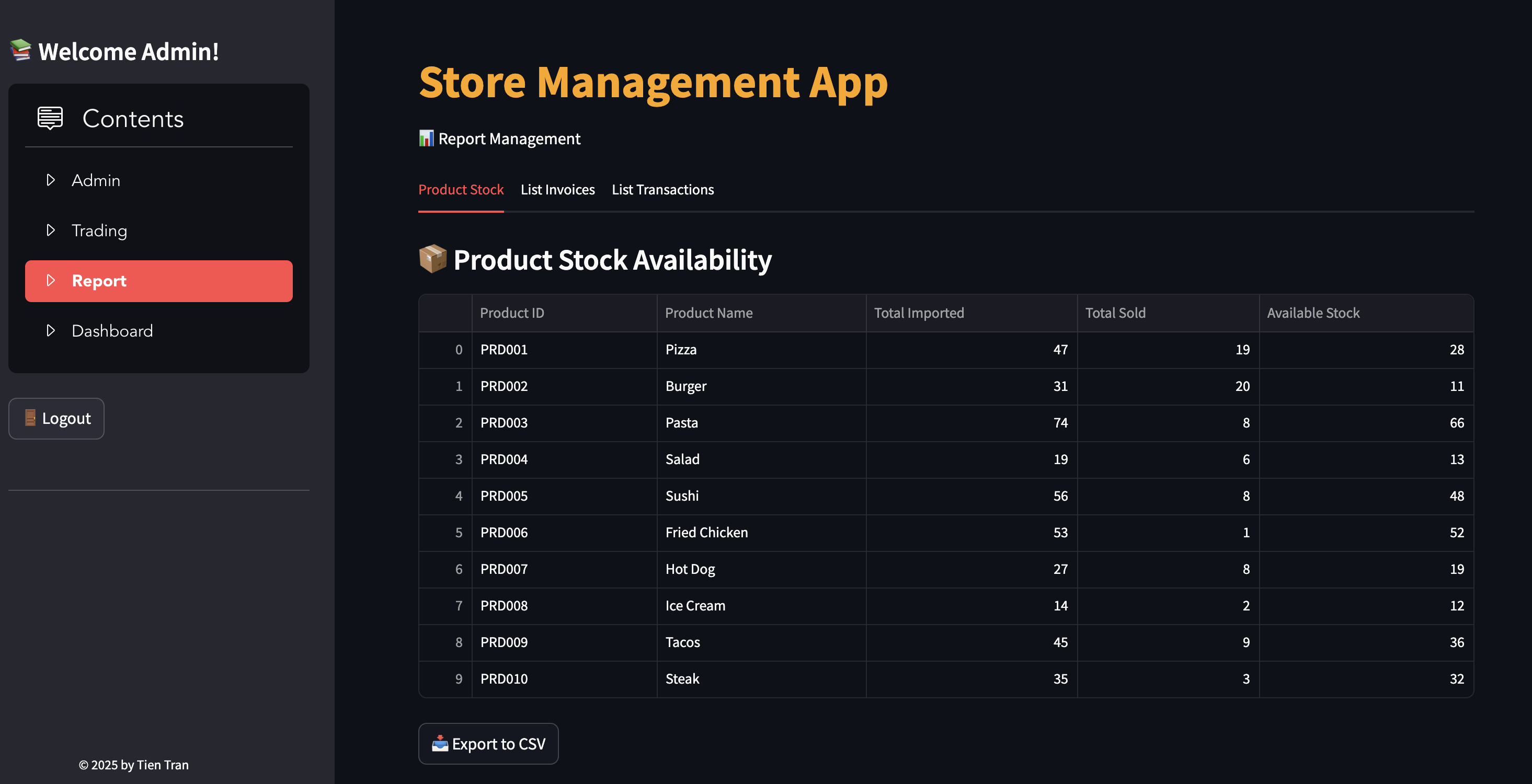
- View product stock availability.
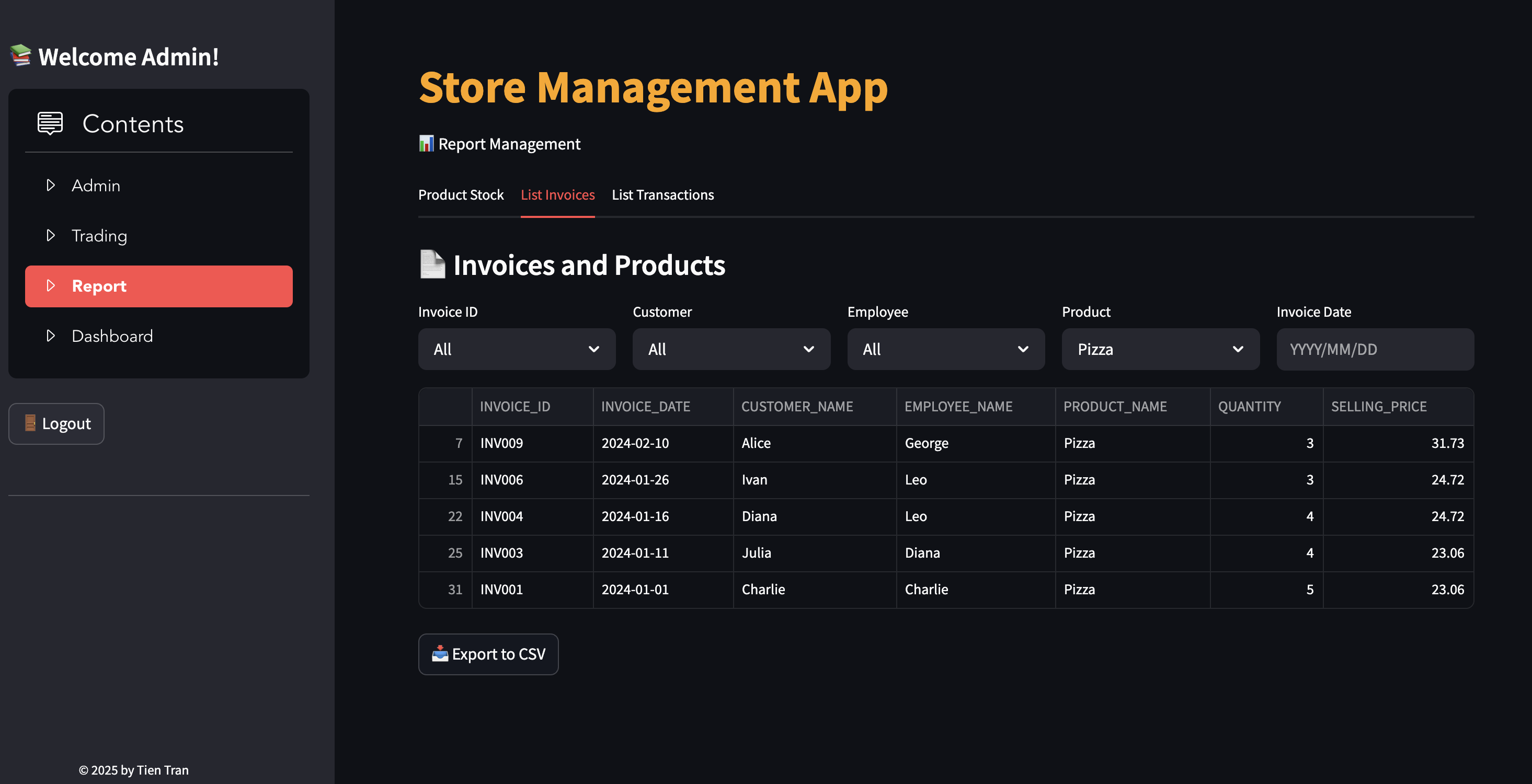
- List and filter invoices and transactions with detailed breakdowns.
- Calculate and display total sales and purchase amounts.
Functionalities
- User Login
- Login Interface
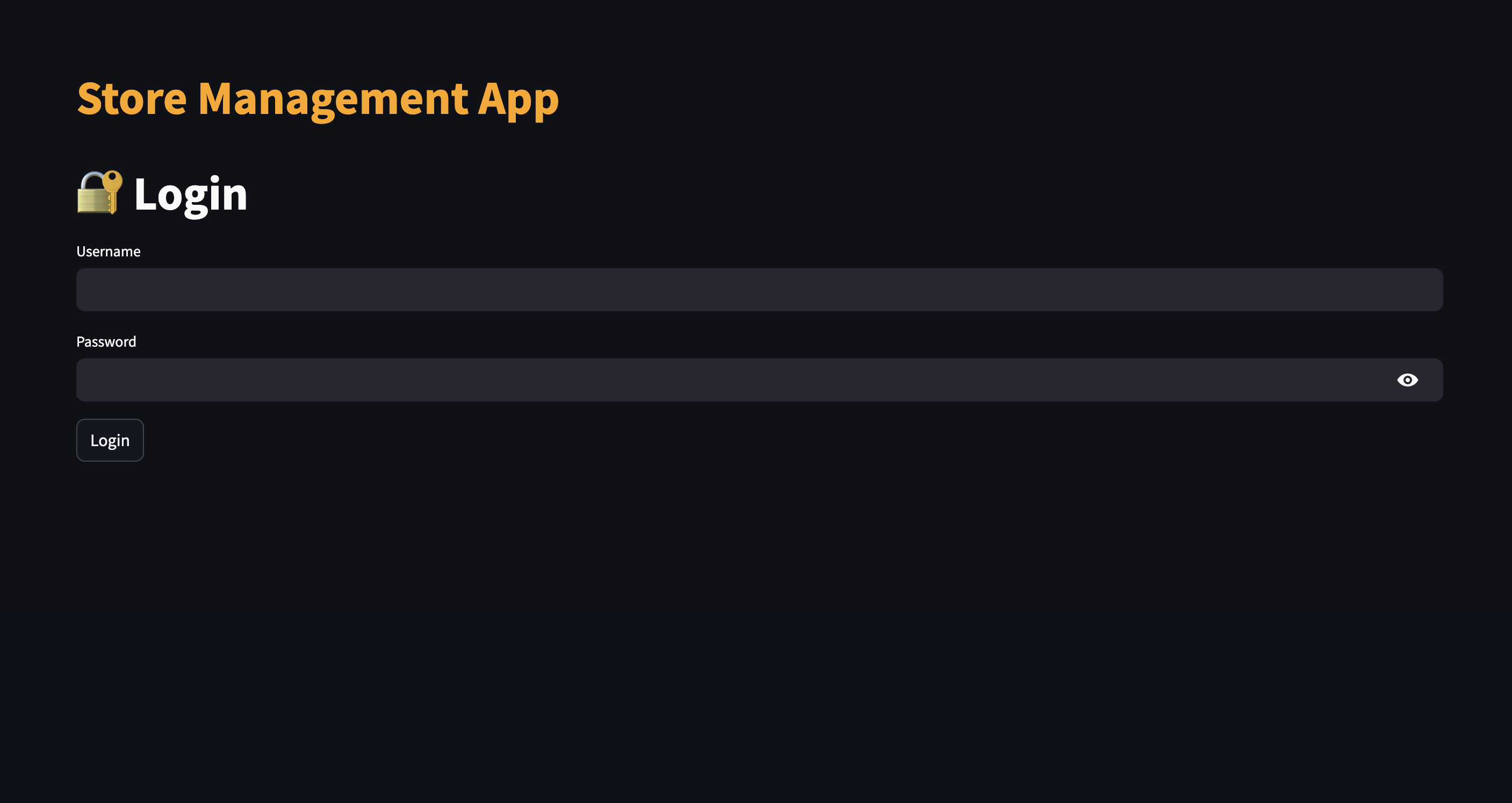
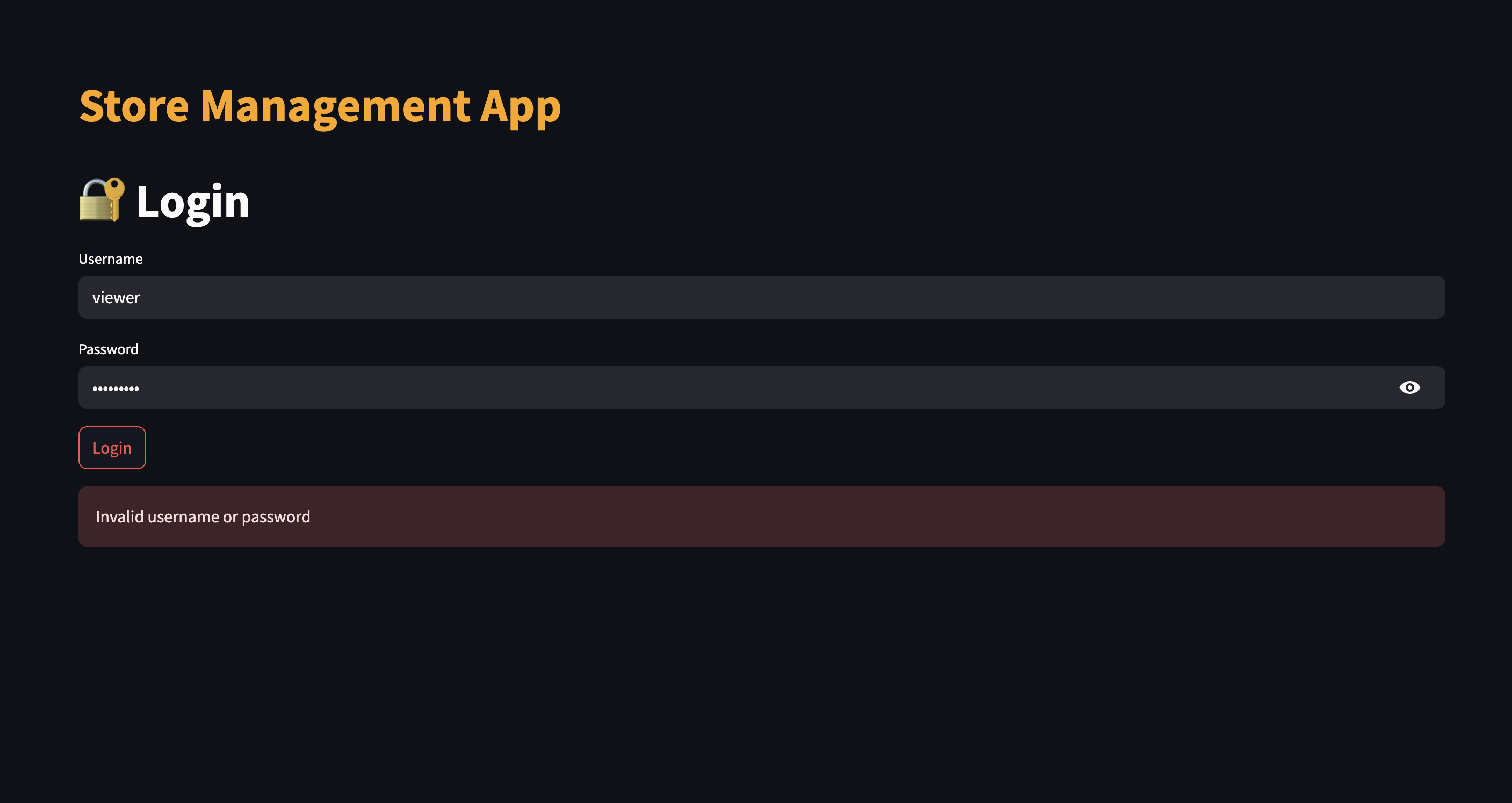
- Login wrong password
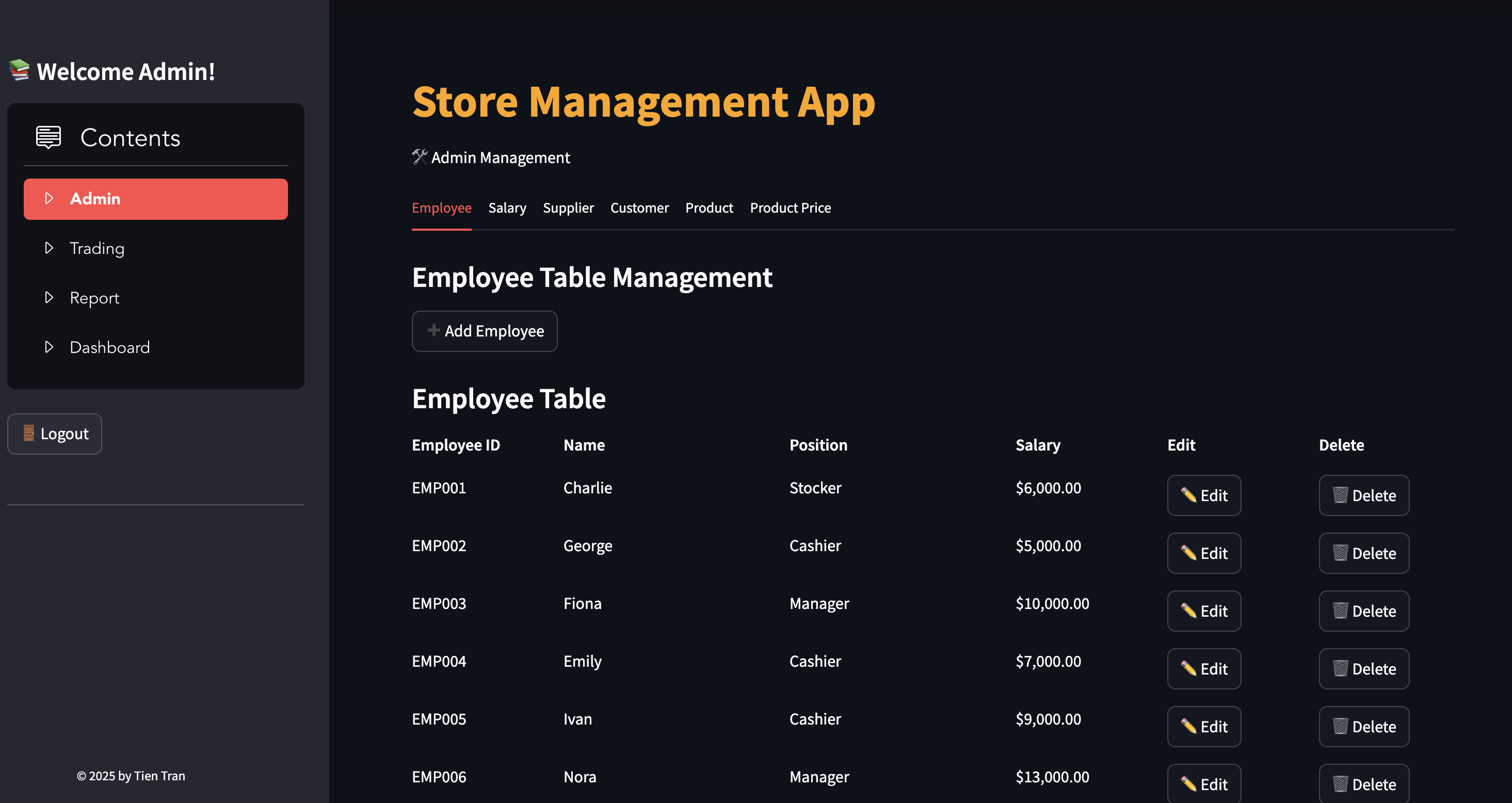
- Admin Login
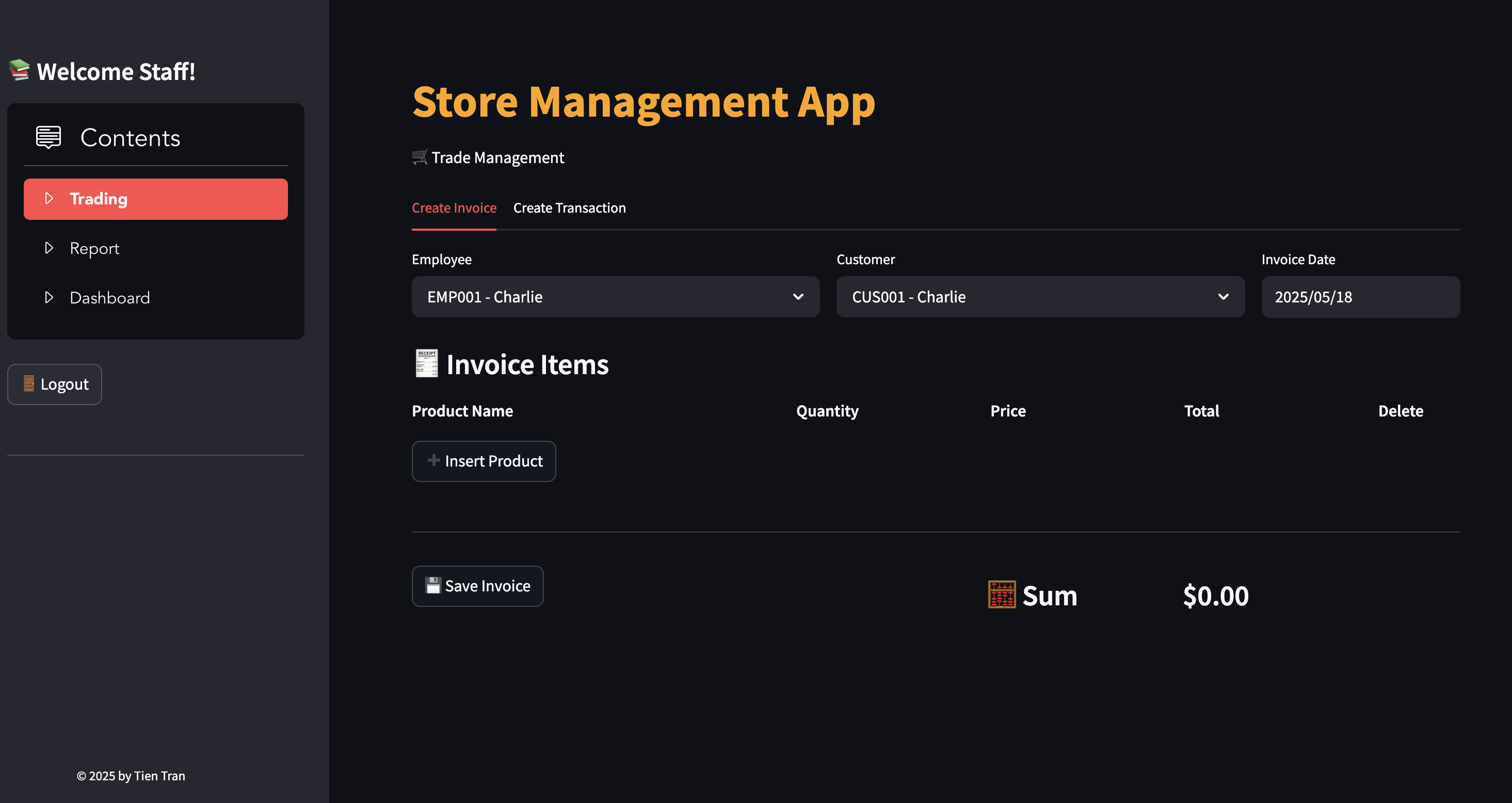
- Staff Login
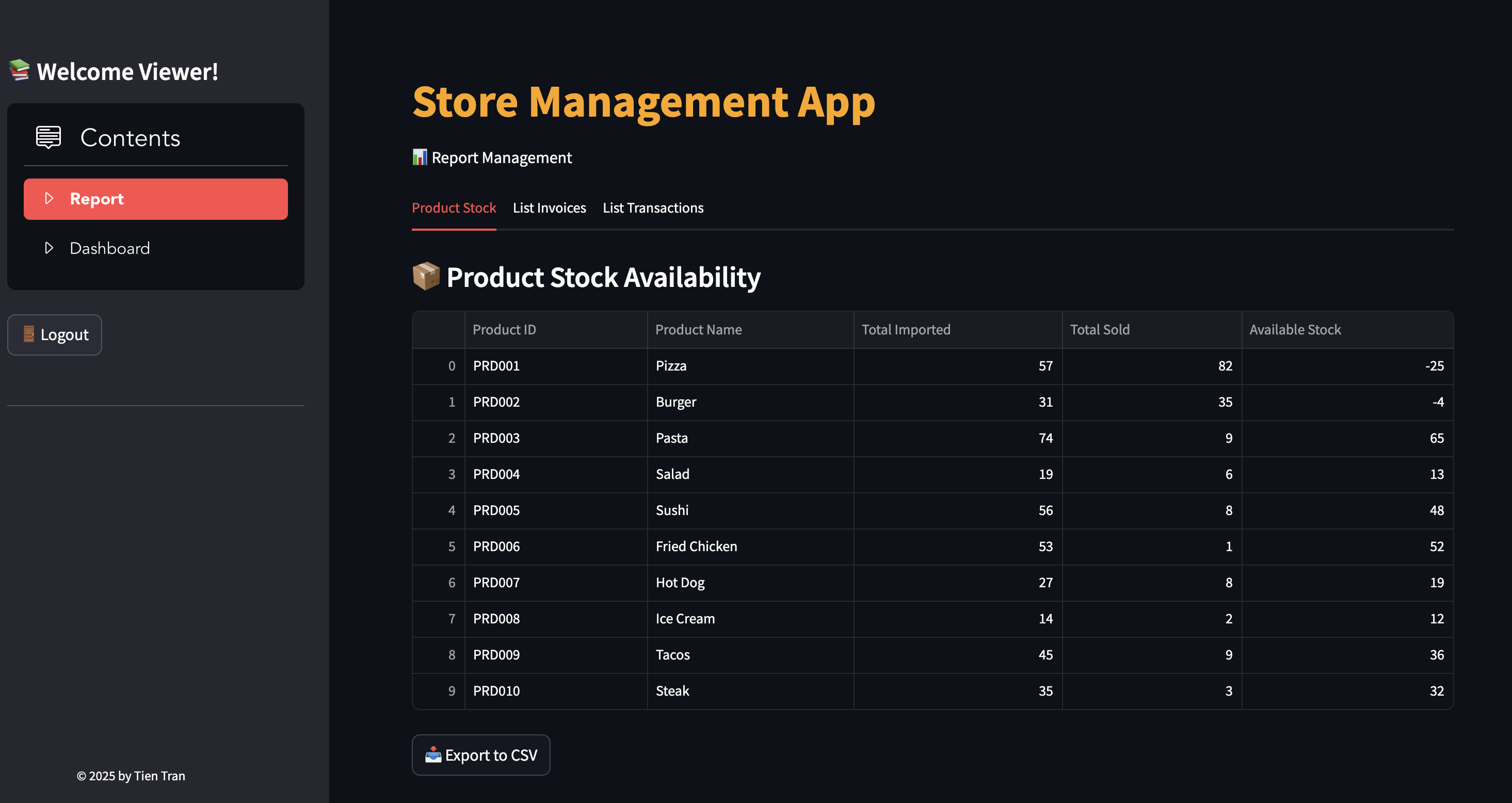
- Viewer Login
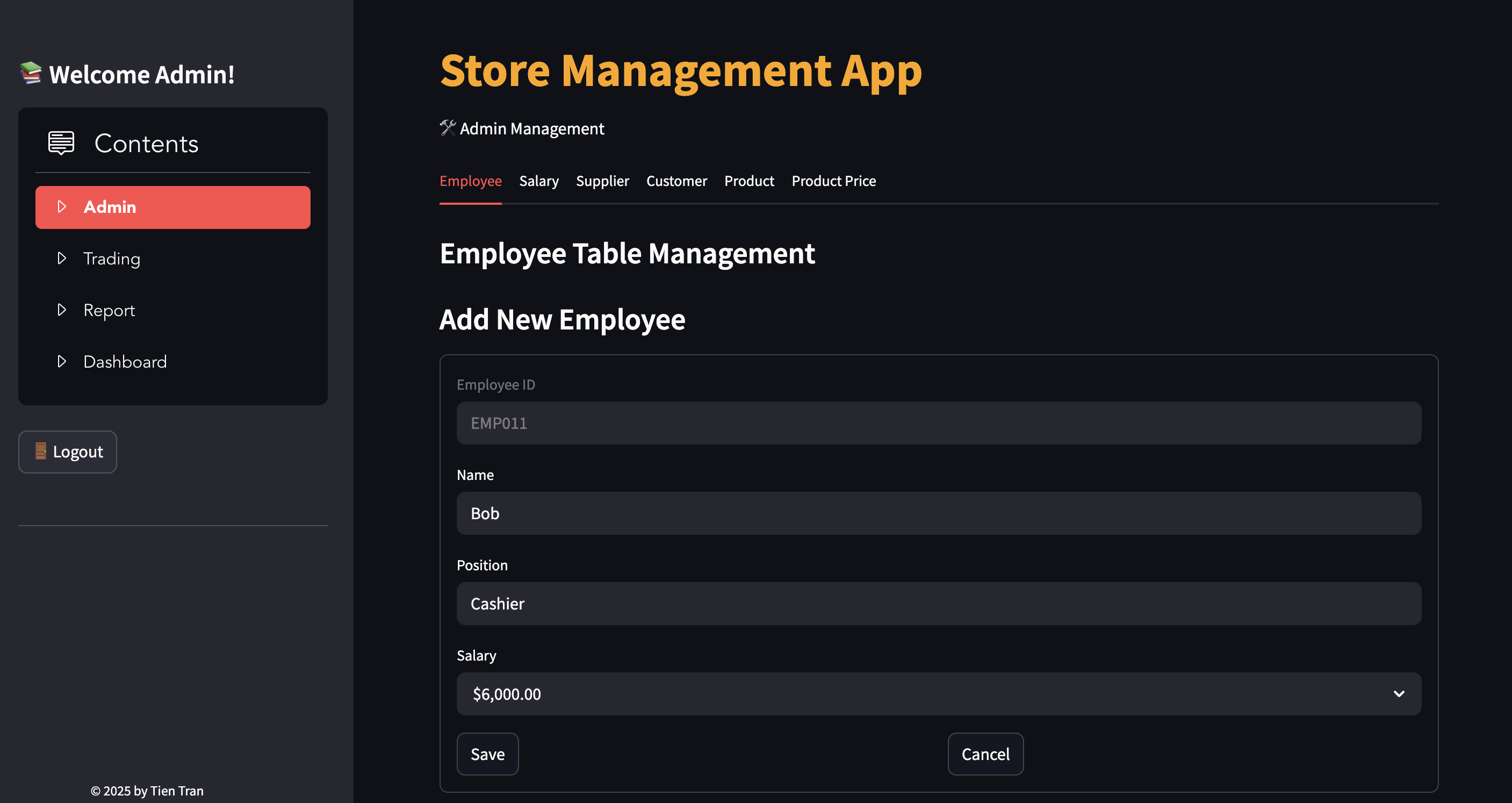
- Add/edit/delete employees, products, suppliers, customers, and prices
- Add Employee
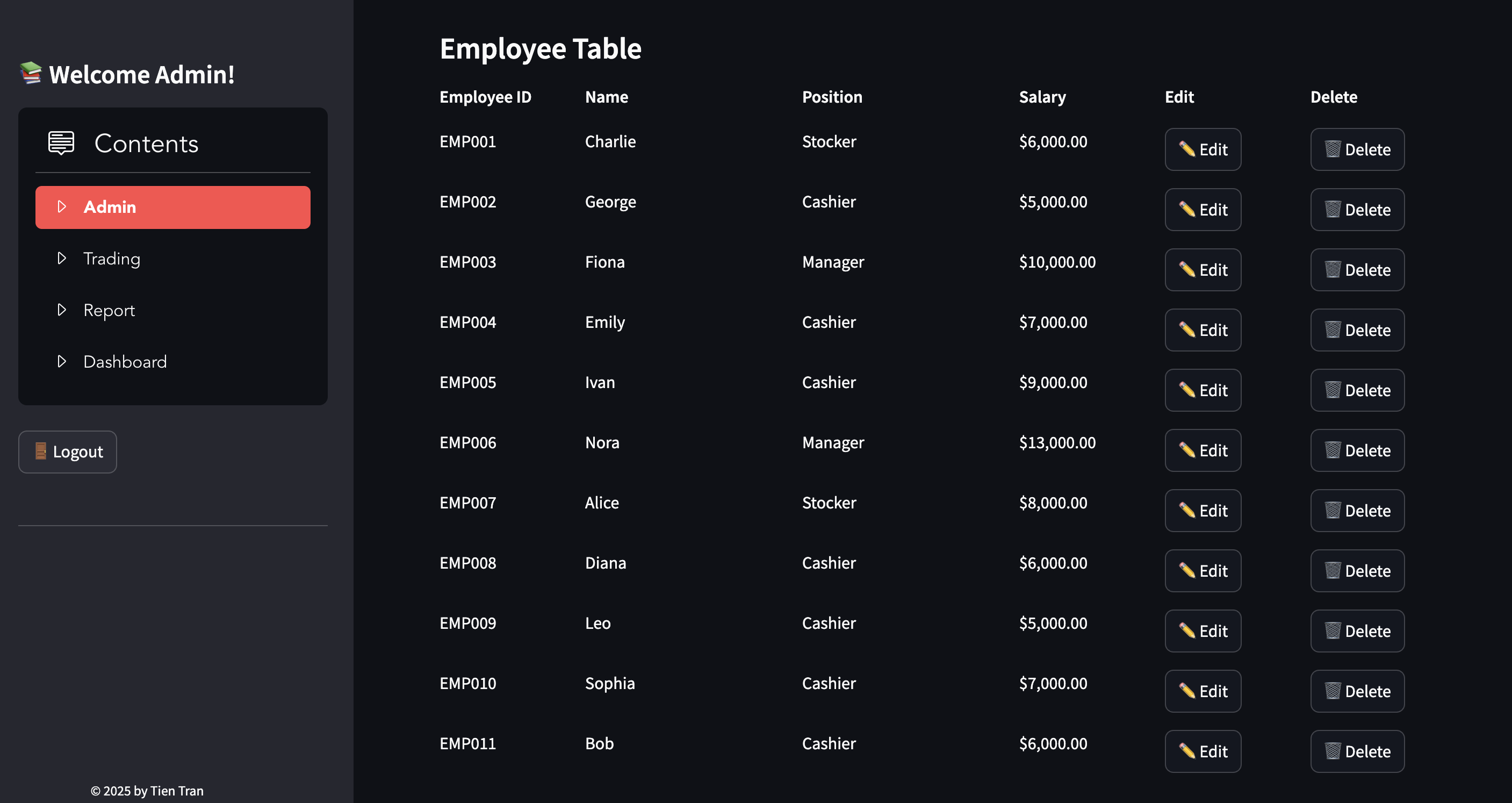
- Edit Employee
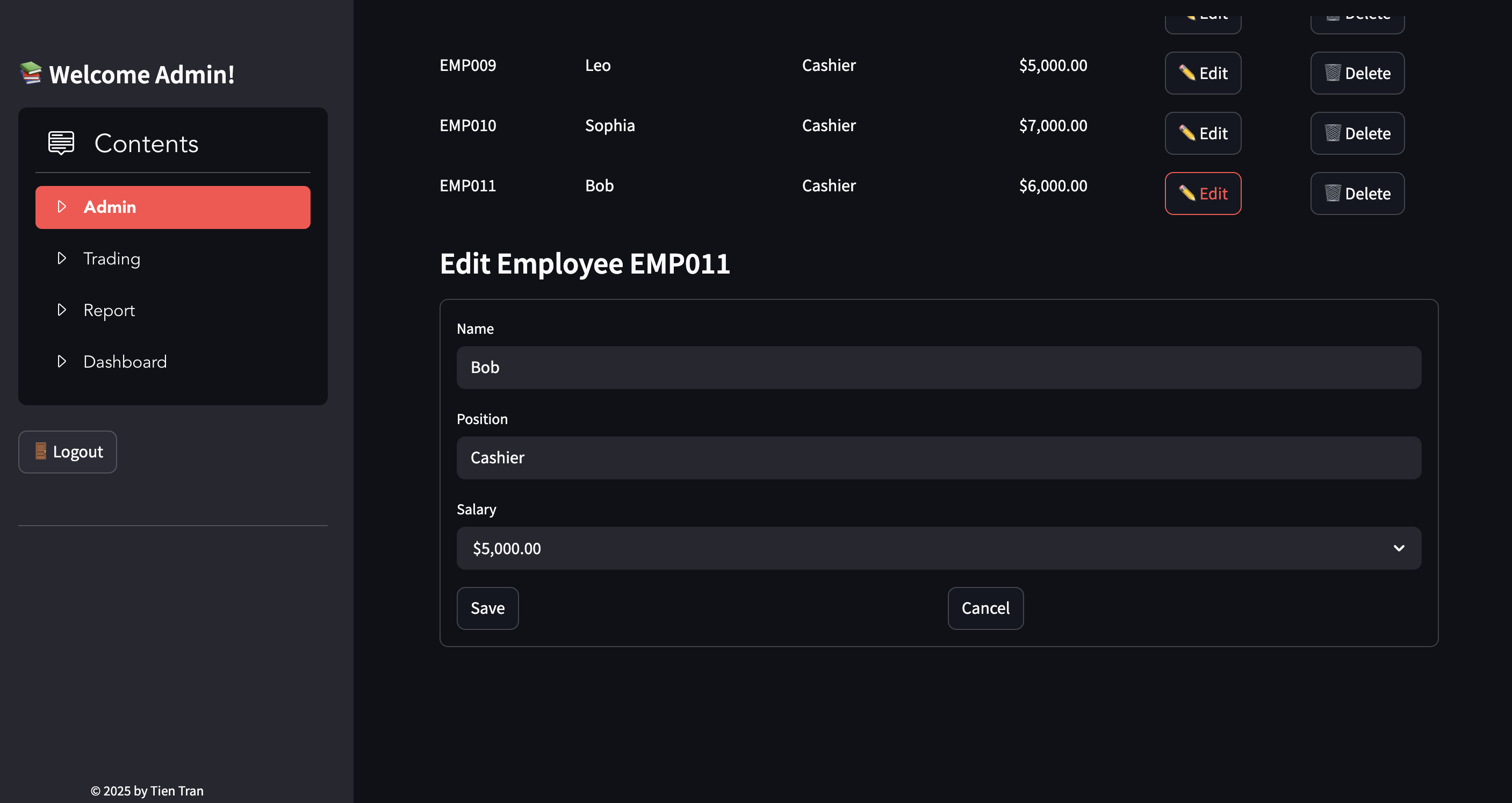
- Add Salary
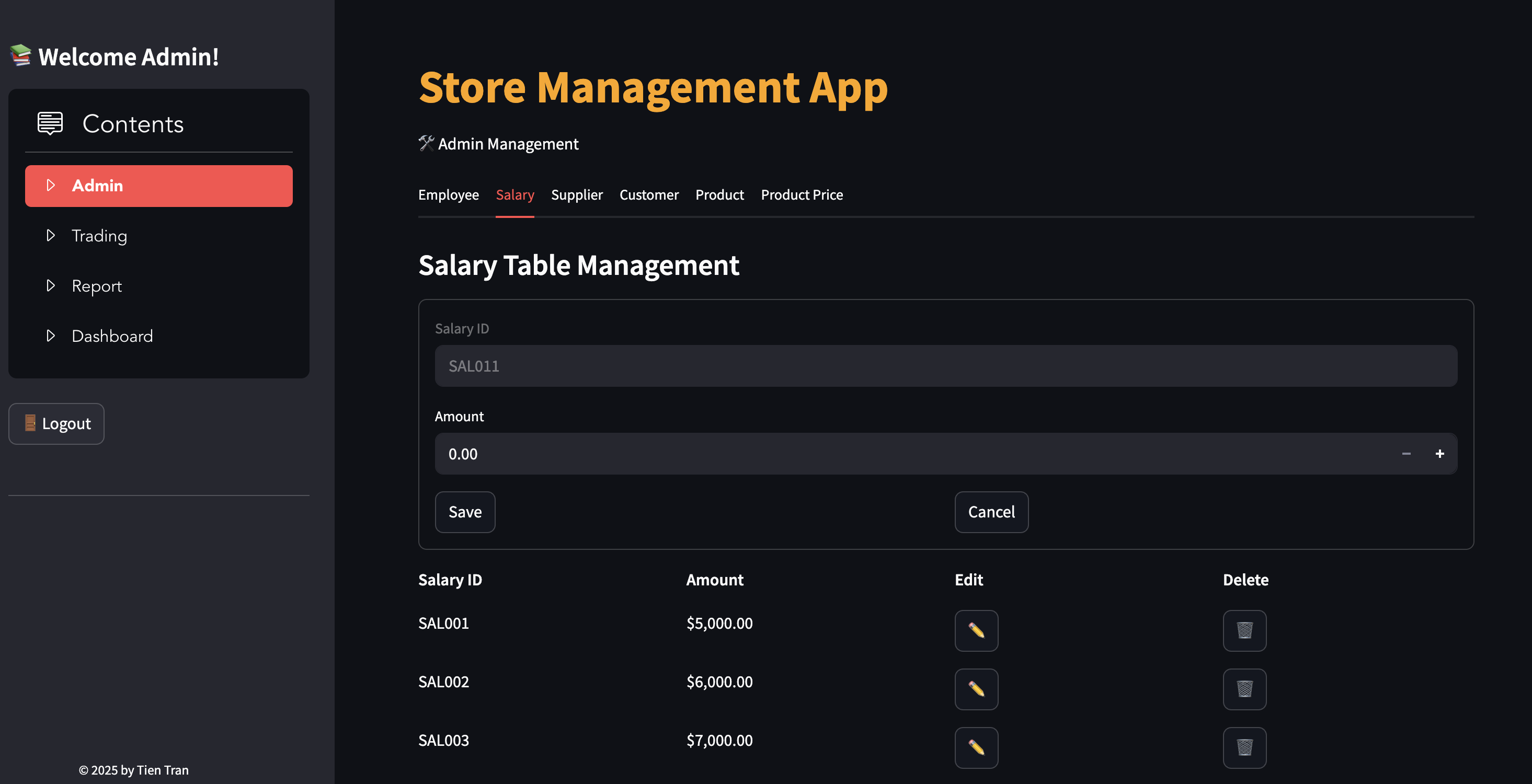
- Edit Salary
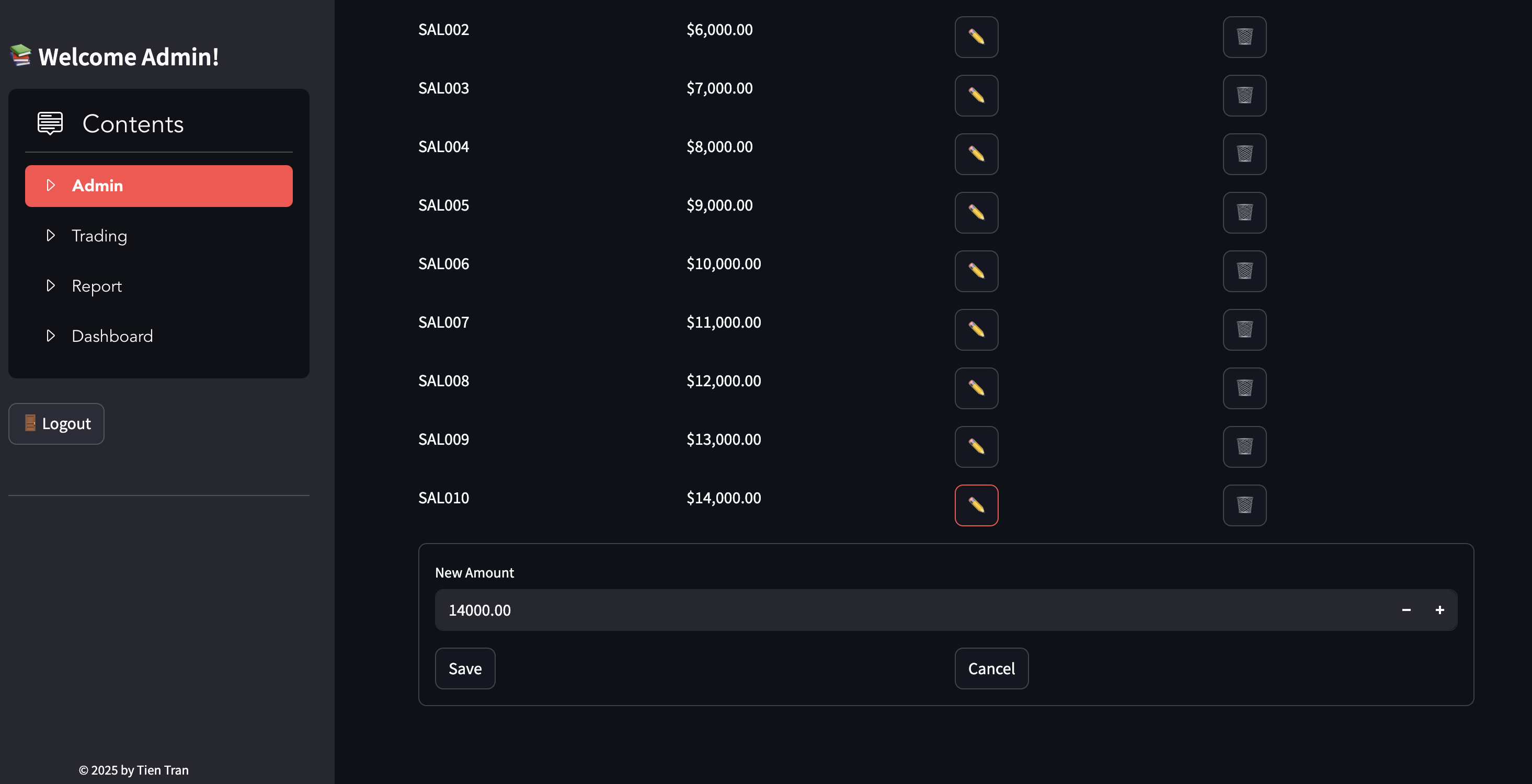
- Add Supplier
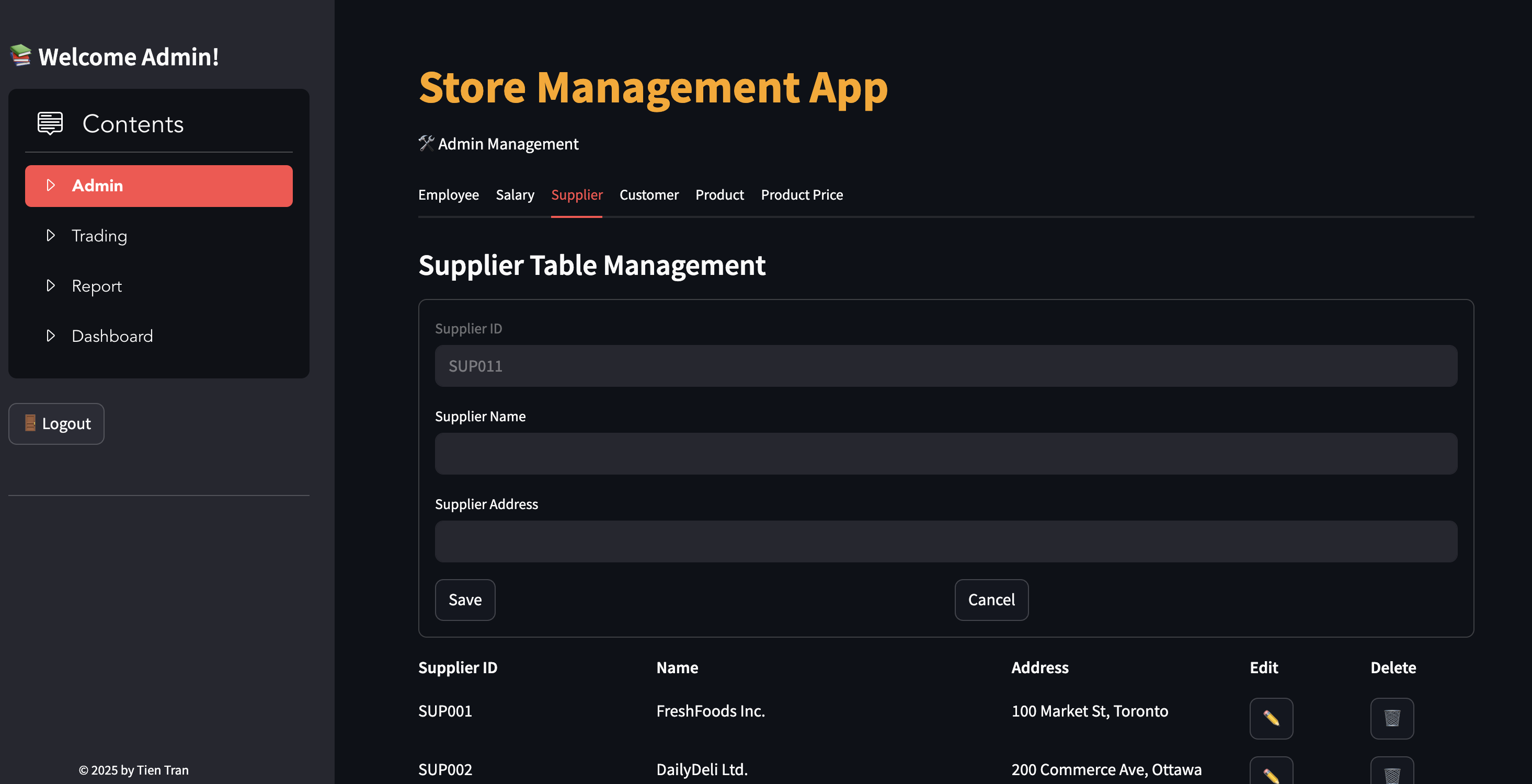
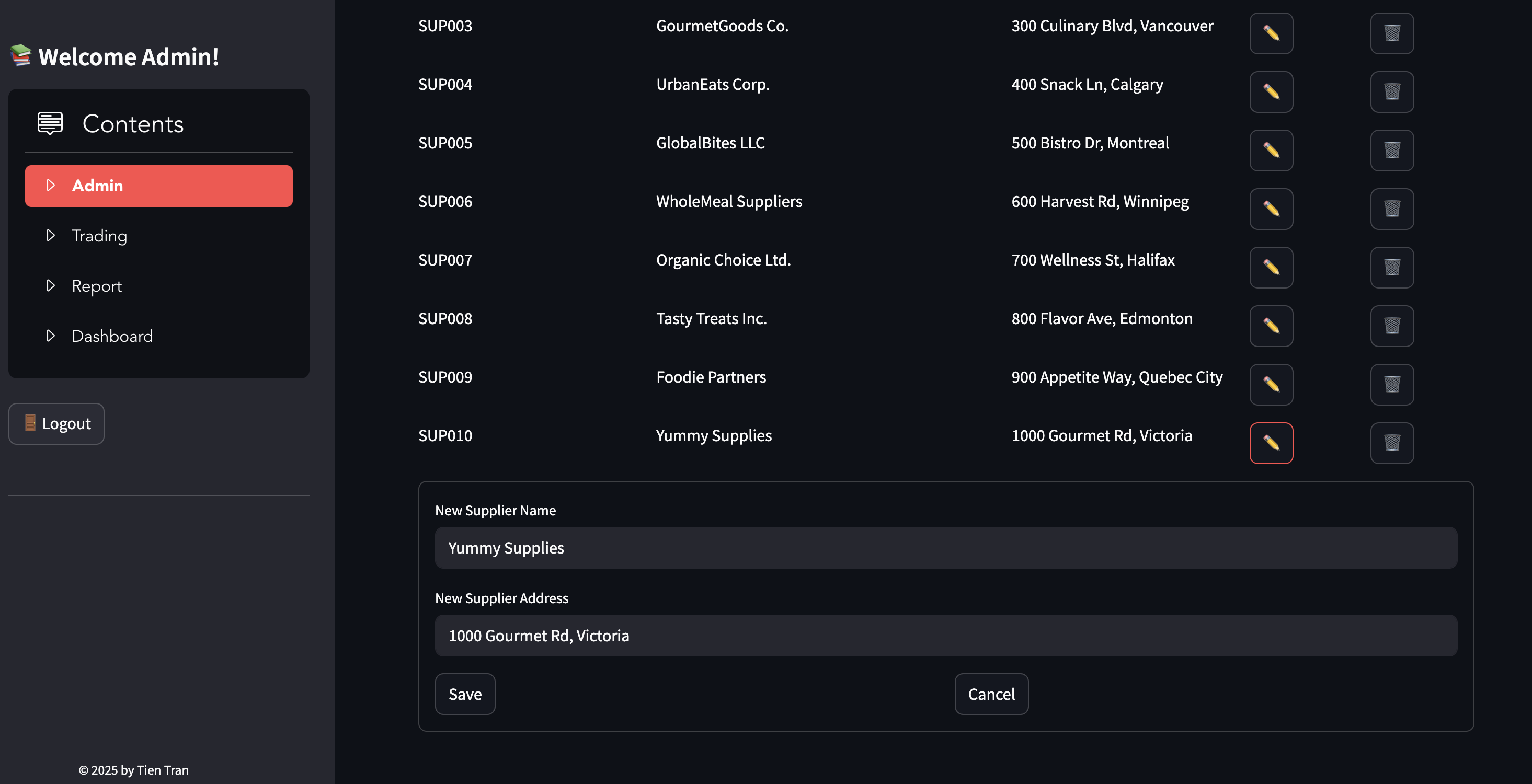
- Edit Supplier
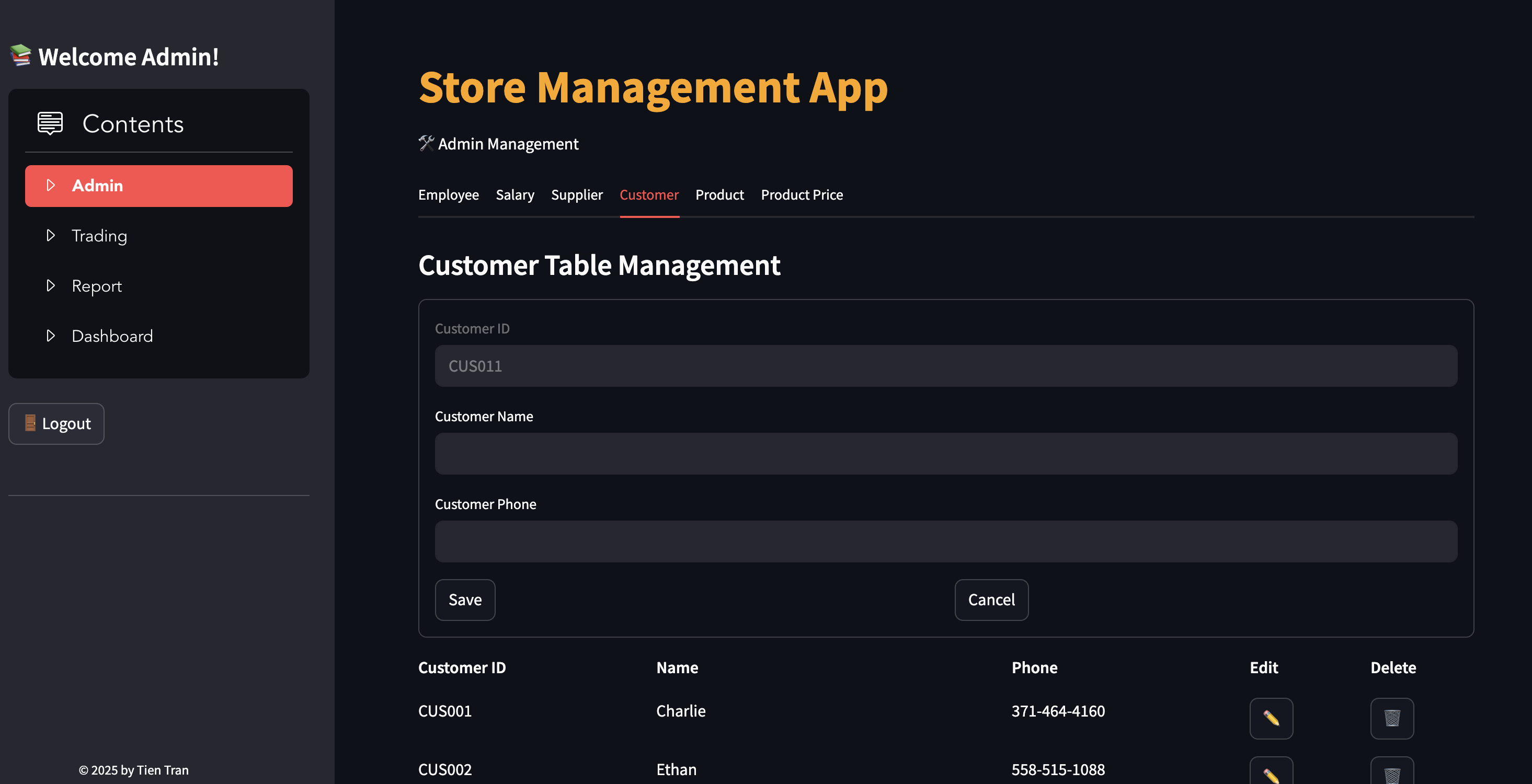
- Add Customer
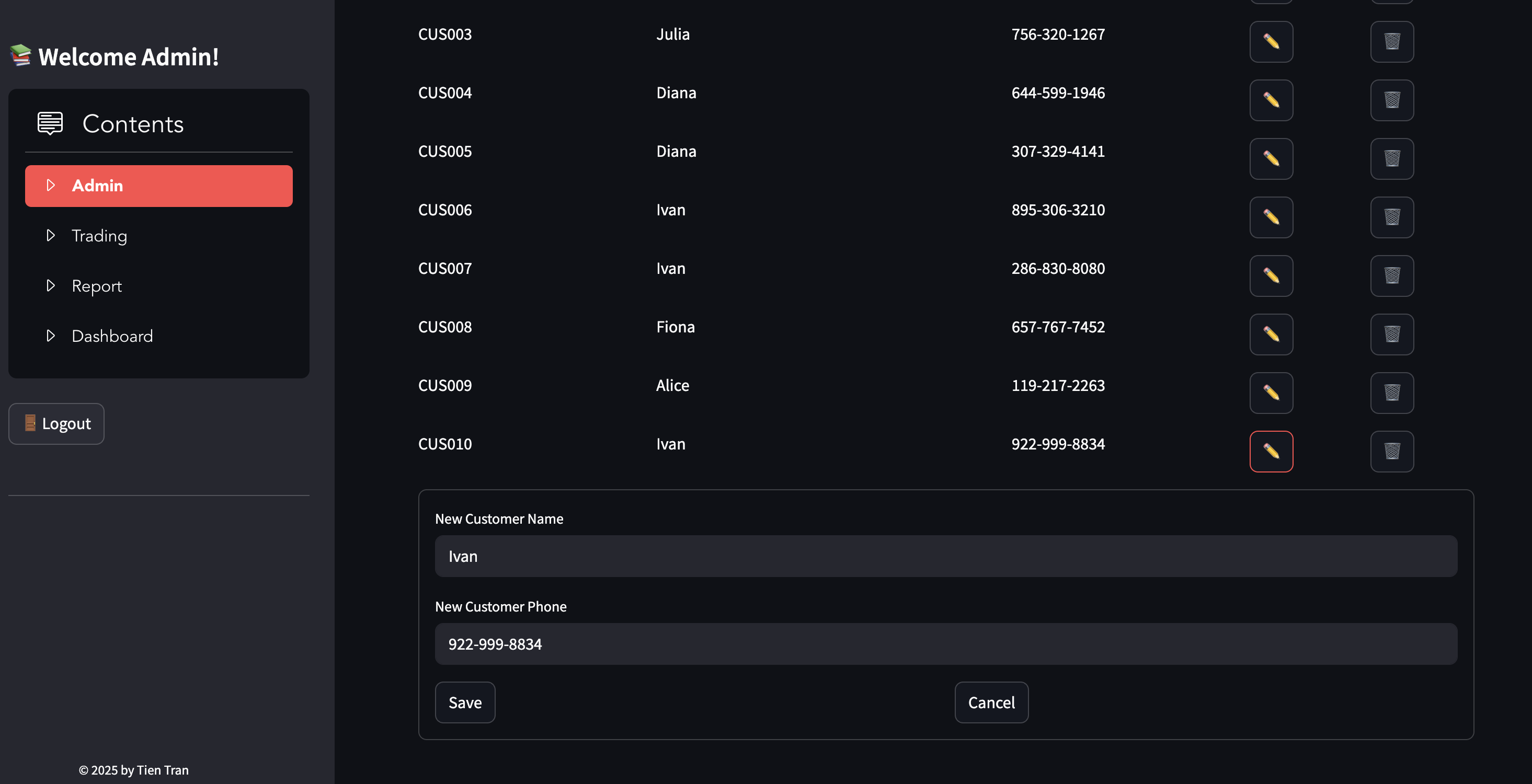
- Edit Customer
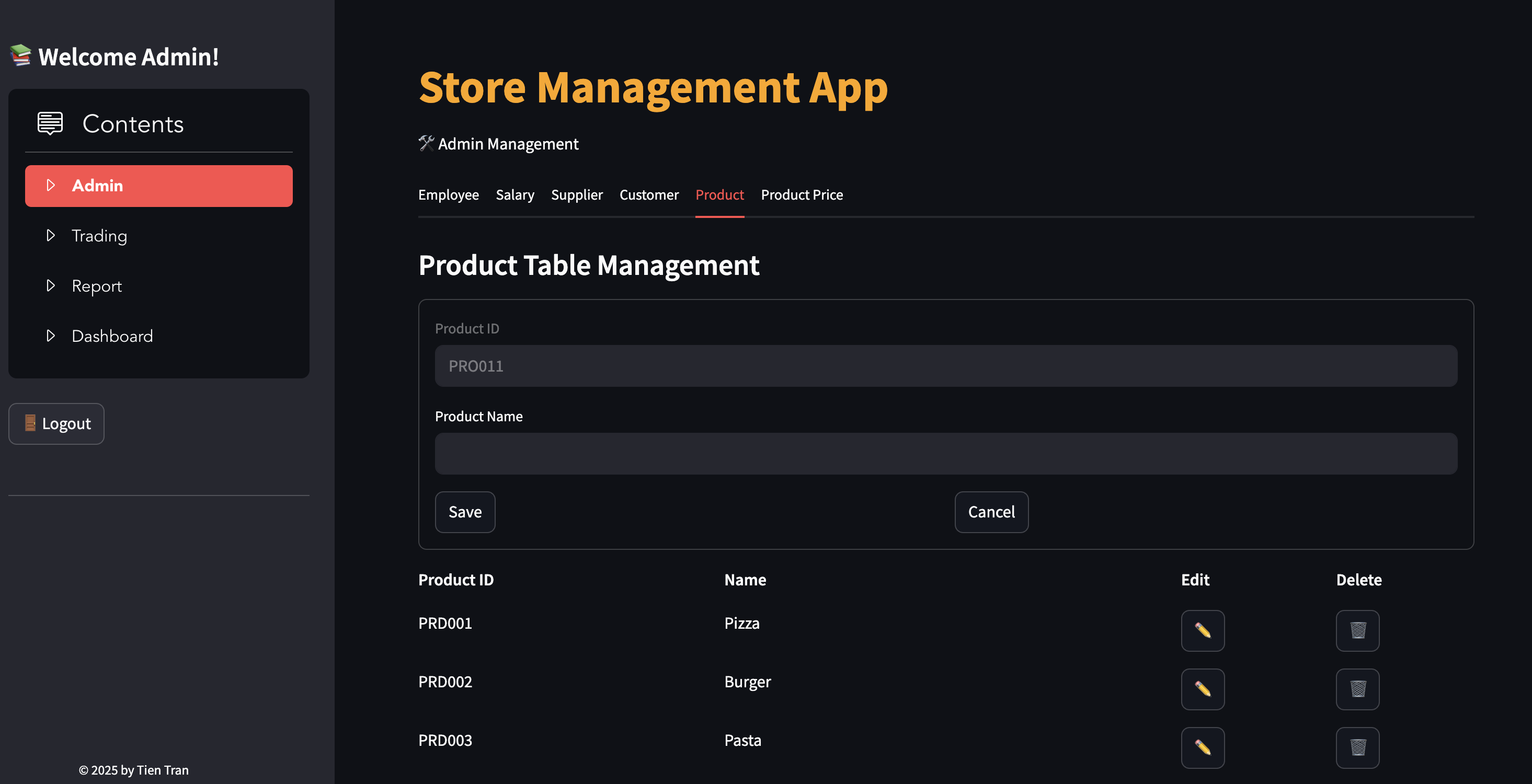
- Add Product
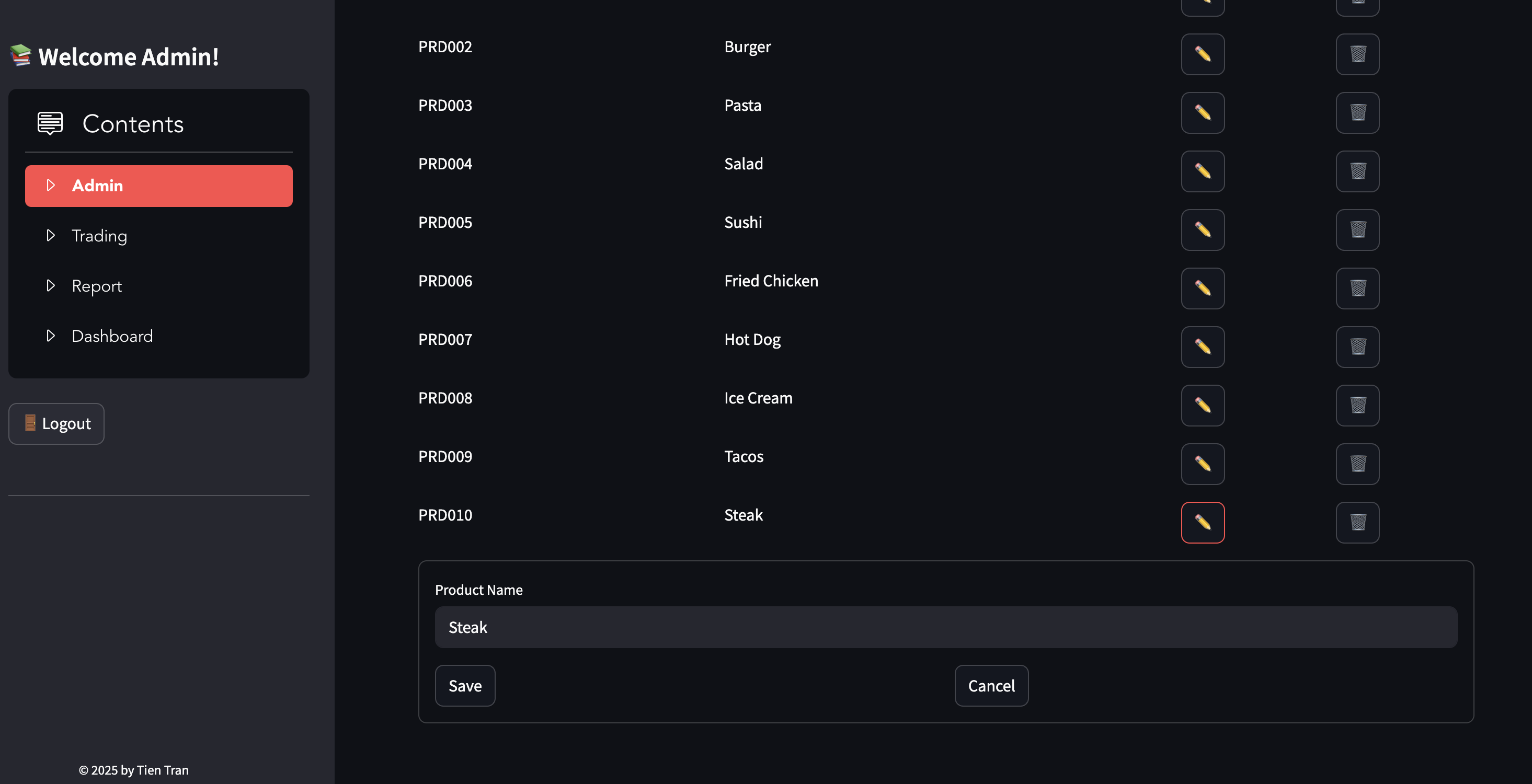
- Edit Product
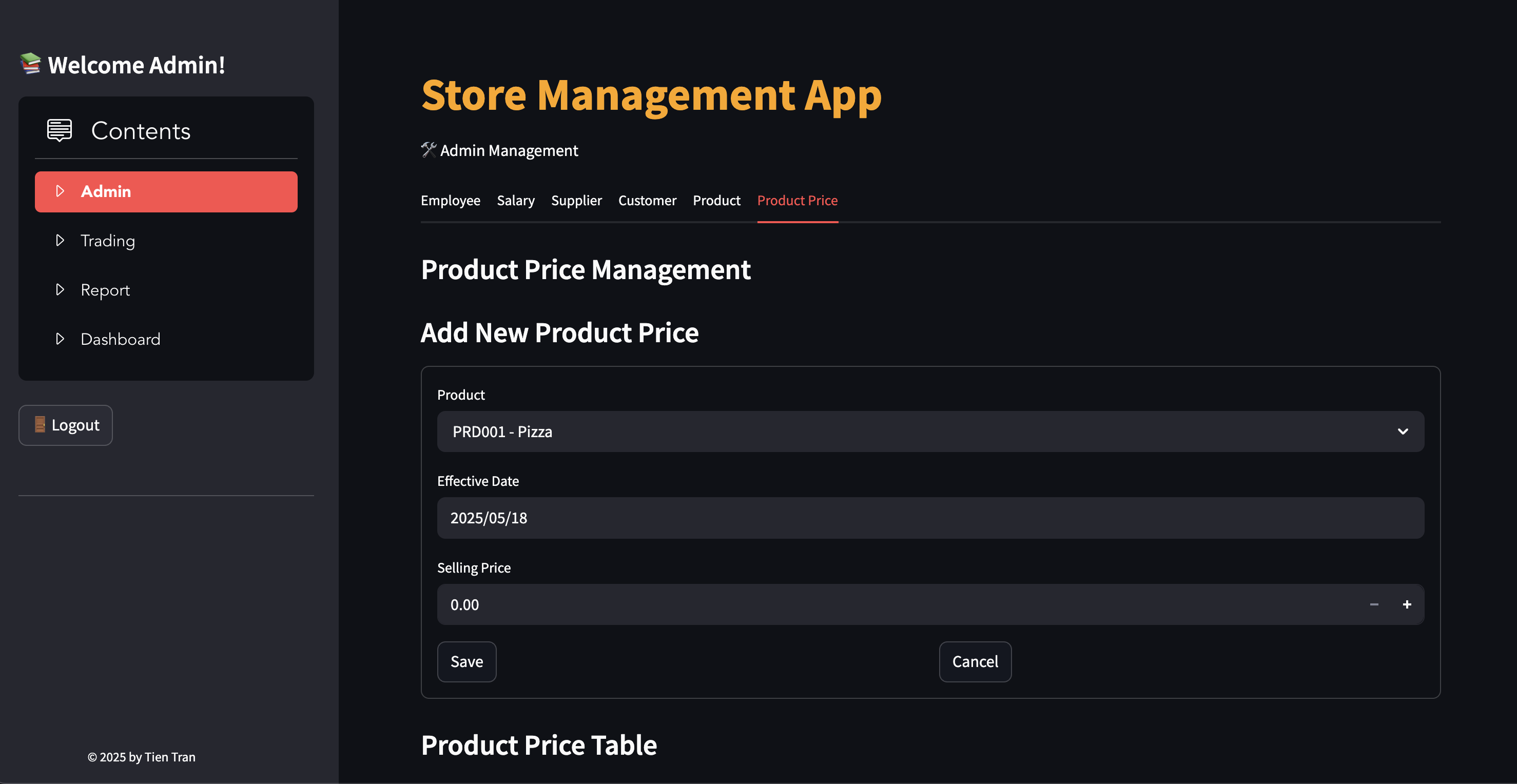
- Add Product Price
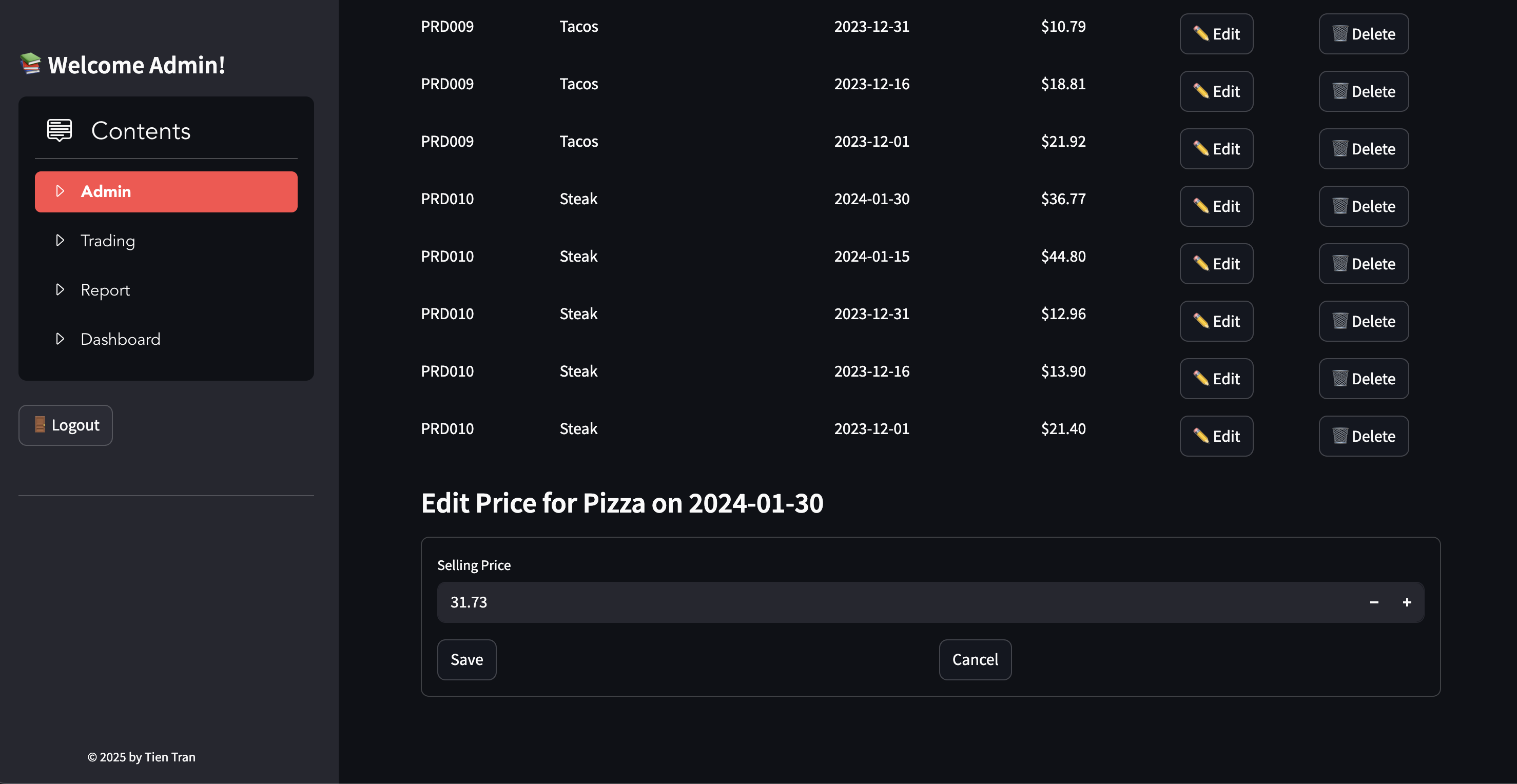
- Edit Product Price
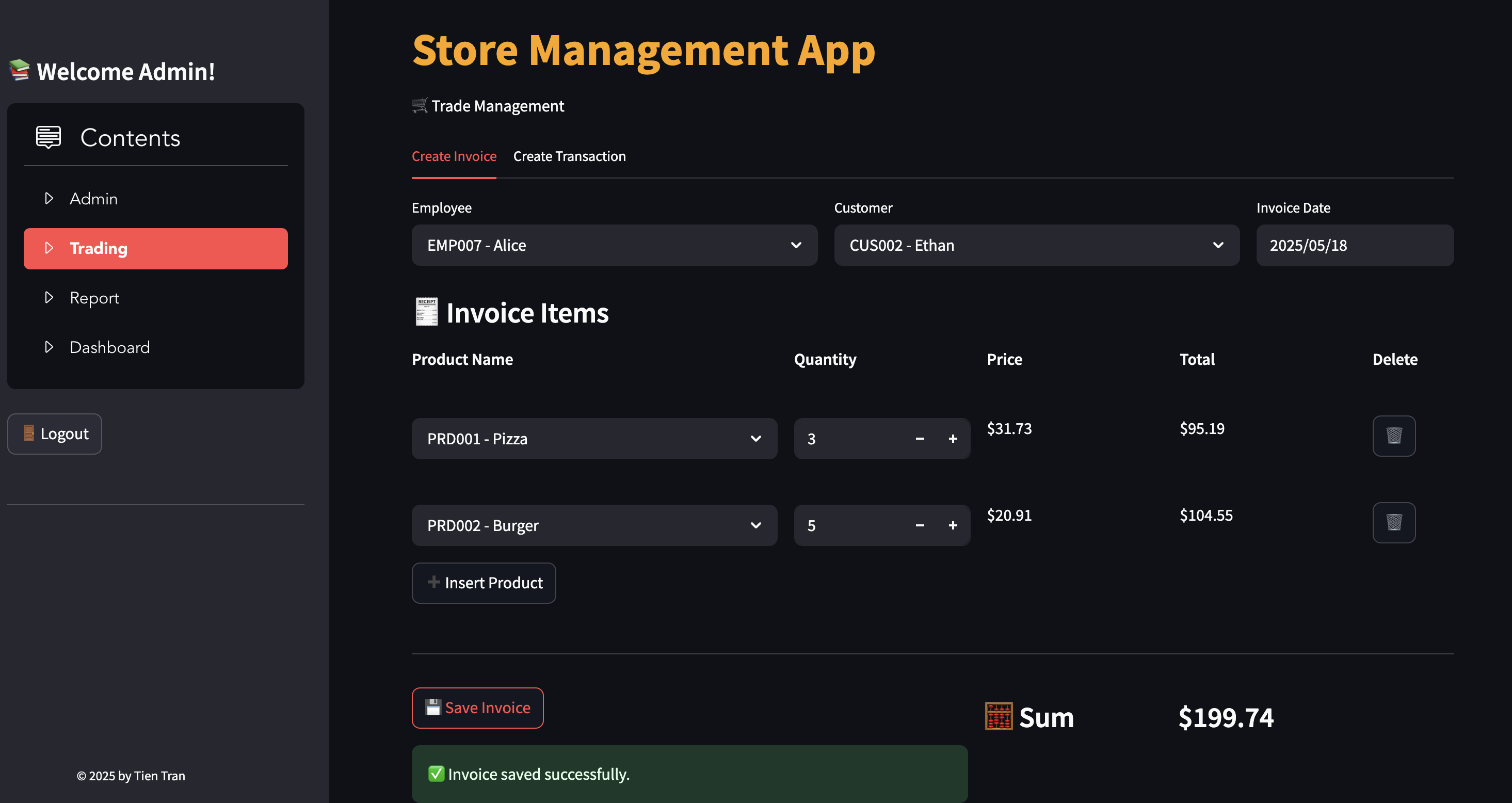
- Create invoices and transactions, ensuring stock is available
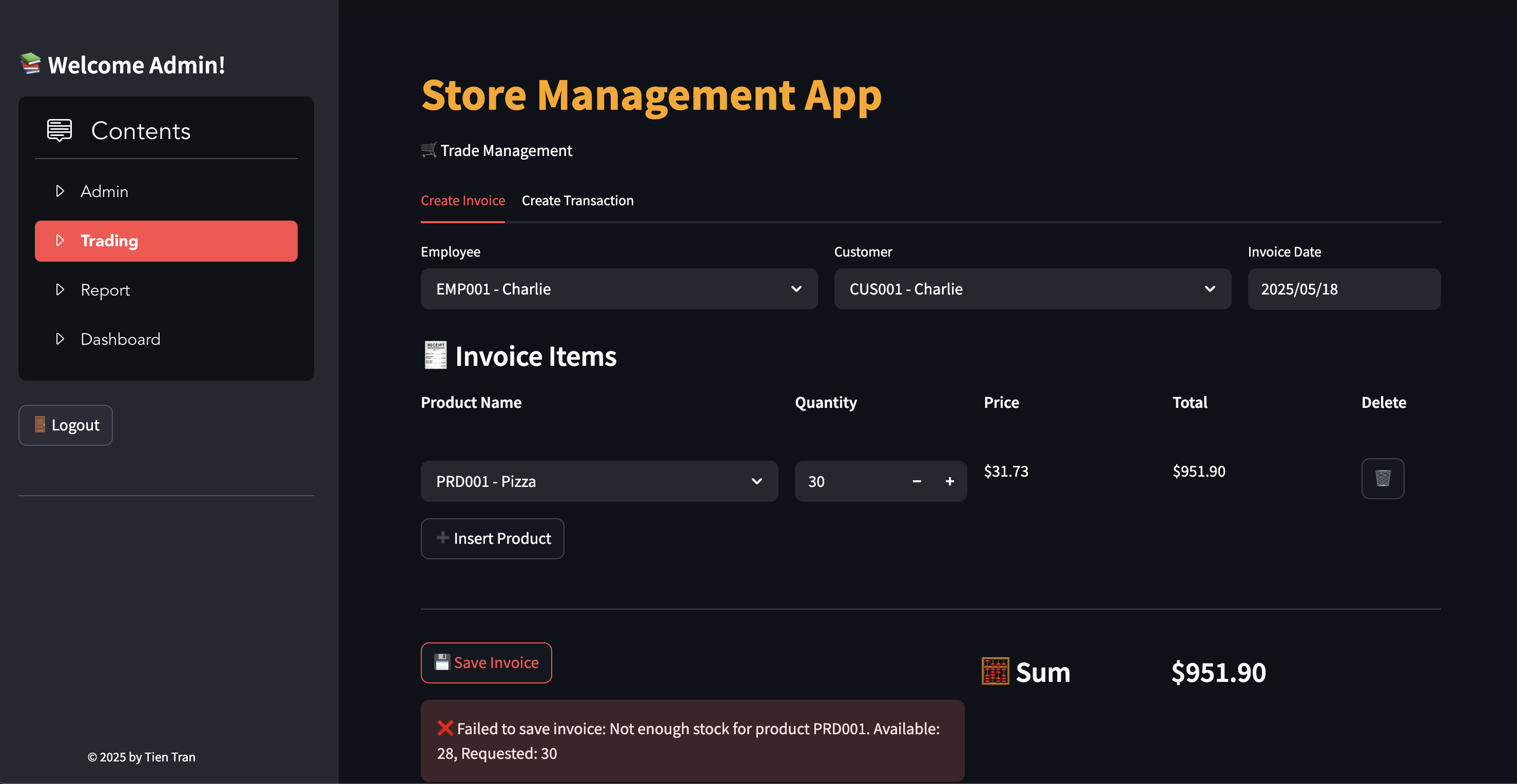
- Add Invoice with stock check: select employee name, customer name, invoice date using drop box (can not edit or delete invoice after it is created)
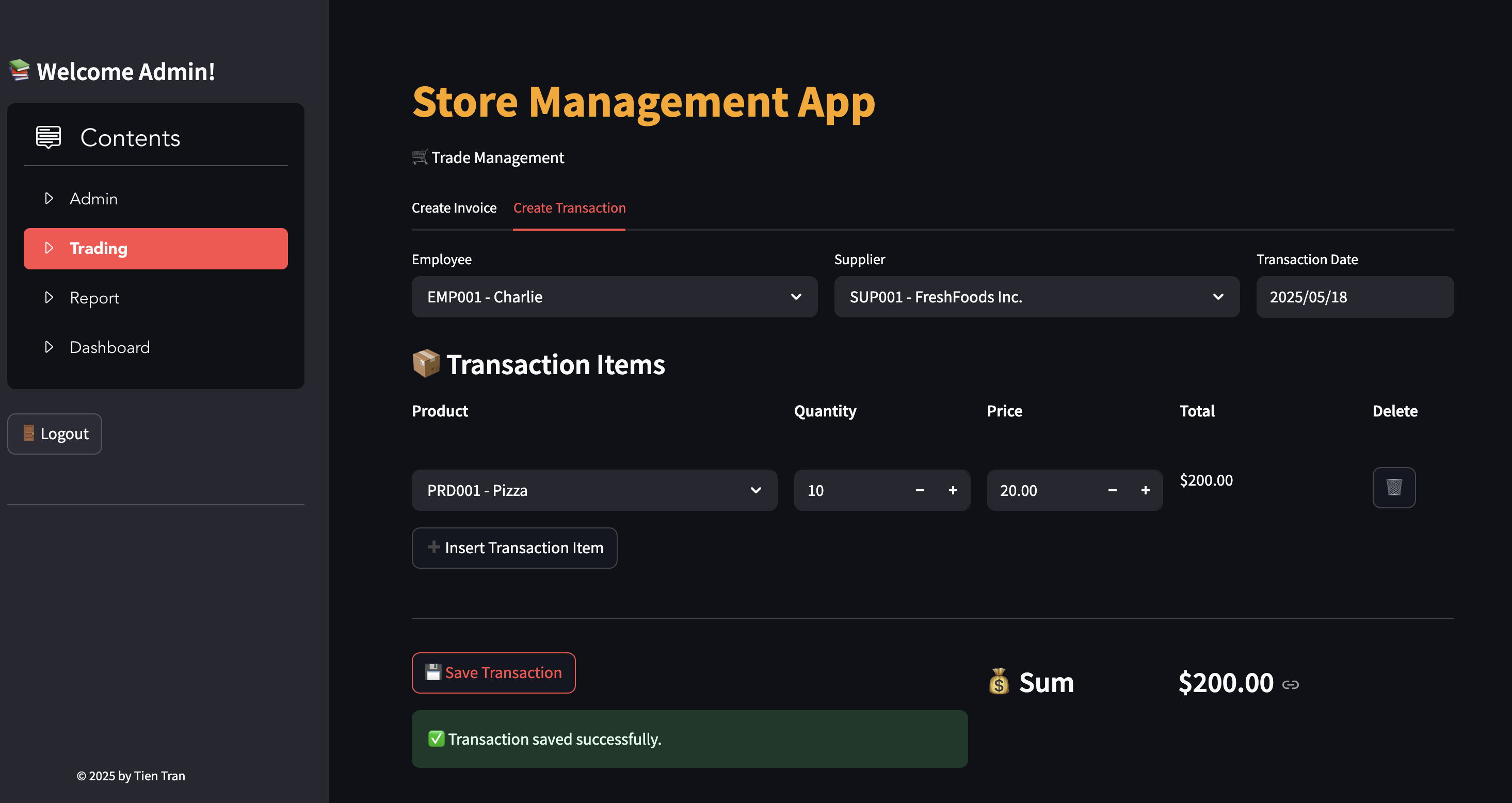
- Add Transaction: select employee name, supplier name, transaction date using drop box (can not edit or delete transaction after it is created)
- View and filter reports on stock, invoices, and transactions
- Product Stock
- List of Invoices
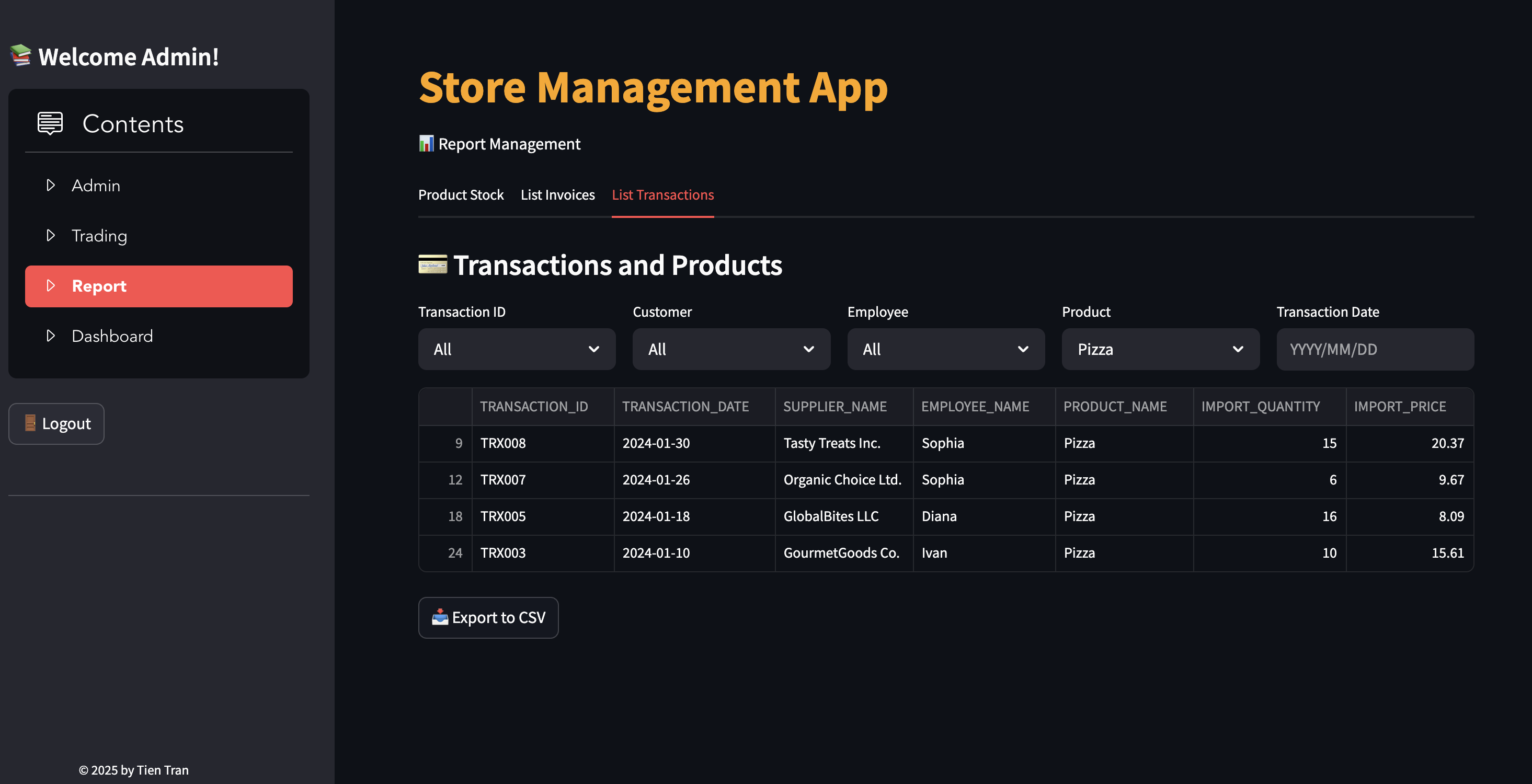
- List of Transactions
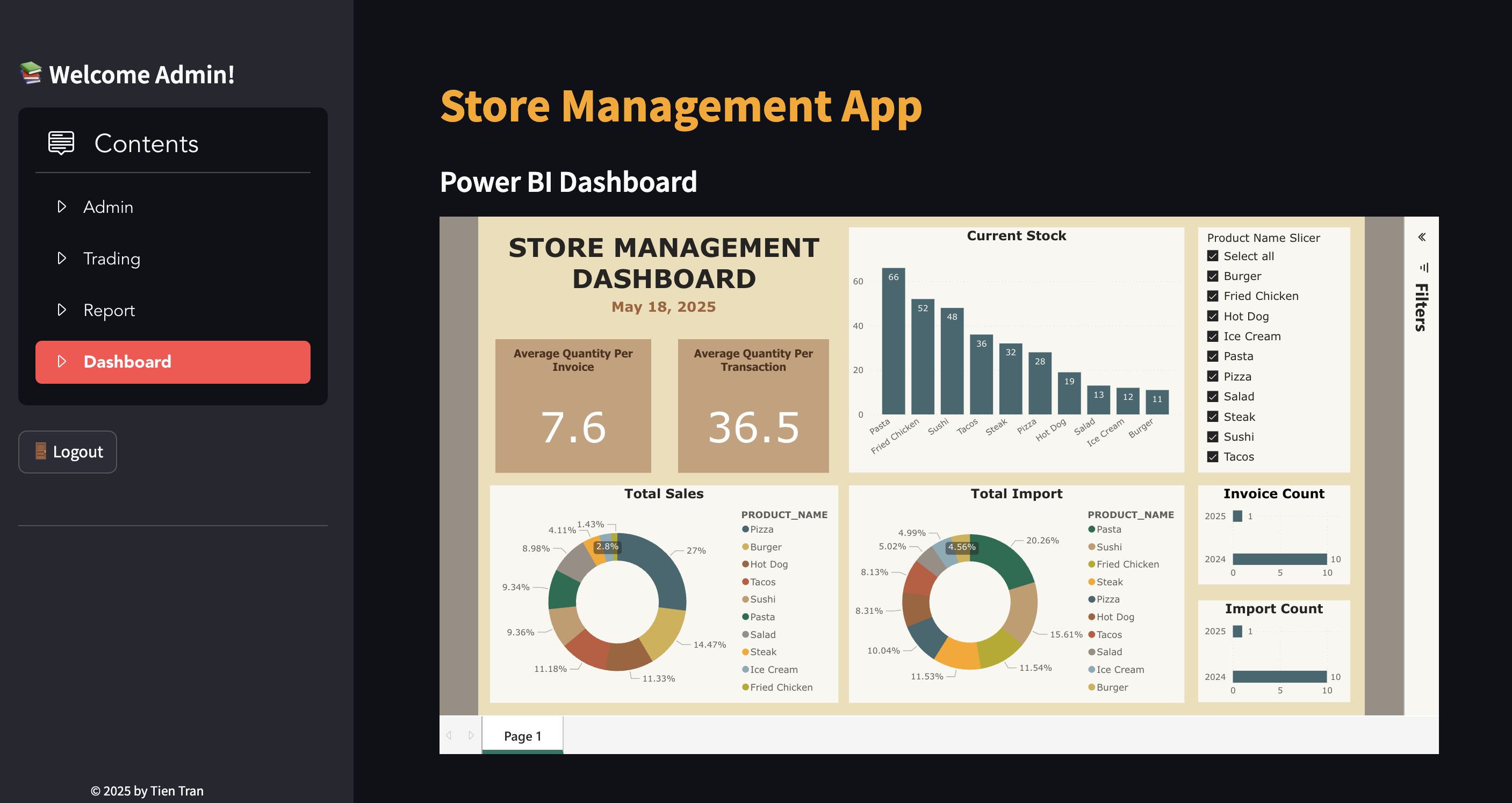
- Integrate Power BI Dashboard