Building a local Q&A chatbot on custom dataset
Business Scenario
The business scenario for this application is to provide a Q&A chatbot running locally that can provide quick and accurate answers based on the content of the uploaded documents. This chatbot is ensure the information answering based on private provided materials, prevent hallucination, a common problem when using cloud-based large language models (LLM). Additionally, the uploaded file mad model are saved locally, ensuring the privacy of the data. Finally, the chat bot is free to use after setup because users don’t have to pay per API request.
Techniques
Streamlit: A framework for creating interactive web applications in Python. LangChain: A library for building language model applications. Ollama: A open-source framework for managing LLMs locally. LLM: DeepSeek R1 model, which is significant for chain-of-thought reasoning RAG: stand for Retrieval-Augmented Generation, an AI technique that combines retrieval-based and generative approaches to improve the accuracy and relevance of responses in language models.
Workflow
1. File upload
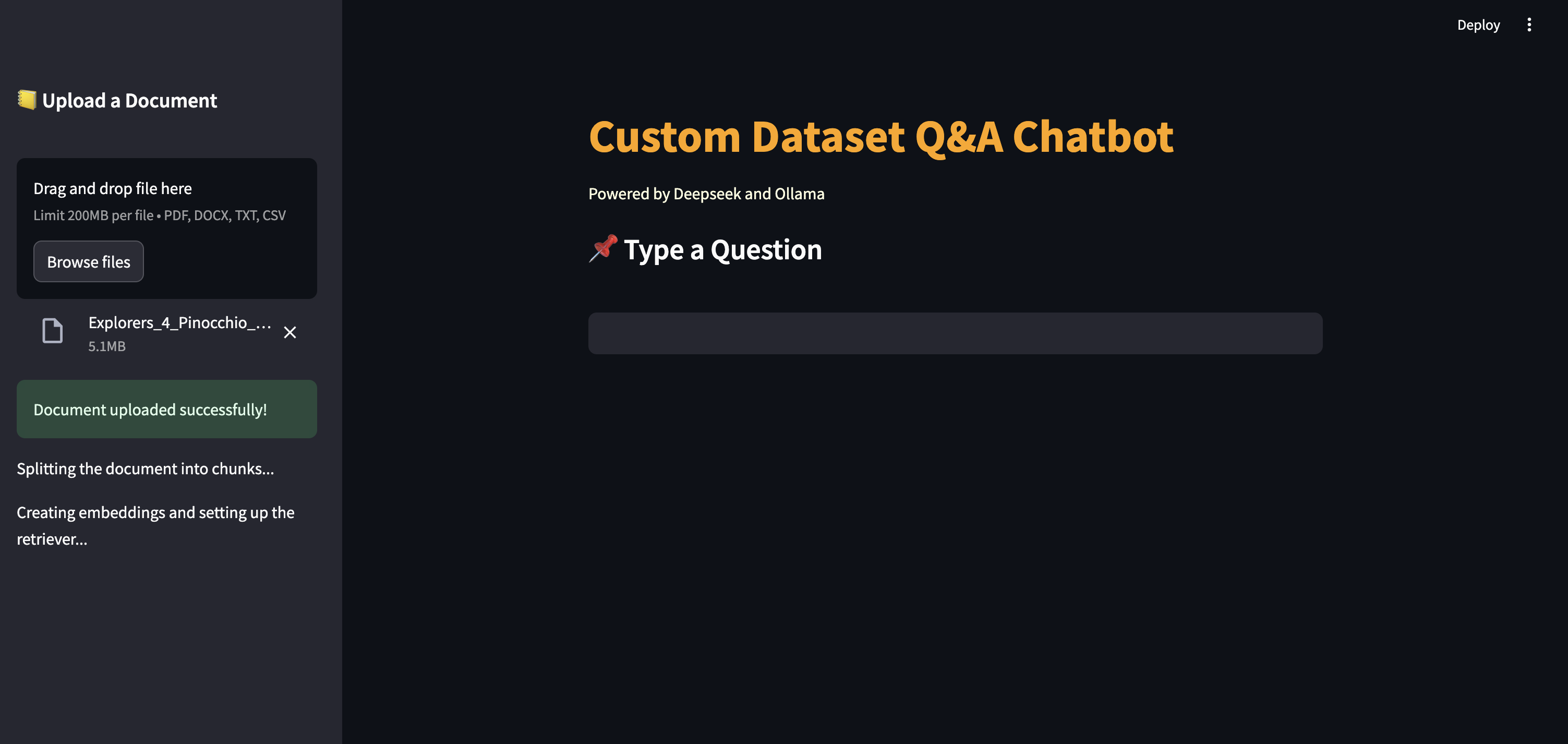
Users can upload files in PDF, DOCX, TXT, or CSV formats. The uploaded file is saved locally.
2. Document processing
Document loader modules to load documents in various formats. The document is split into chunks using RecursiveCharacterTextSplitter HuggingFace embeddings are created for the document chunks. The document chunks are stored in a vector store (FAISS). A retriever is set up to perform similarity search on the vector store.
3. Query input
Users can input questions via text box.
4. Generating responses
Ollama DeepSeek R1 model is instantiated for generating responses based on A prompt template. A ConversationalRetrievalChain is created to handle question-answering with the LLM and retriever.
5. Response display
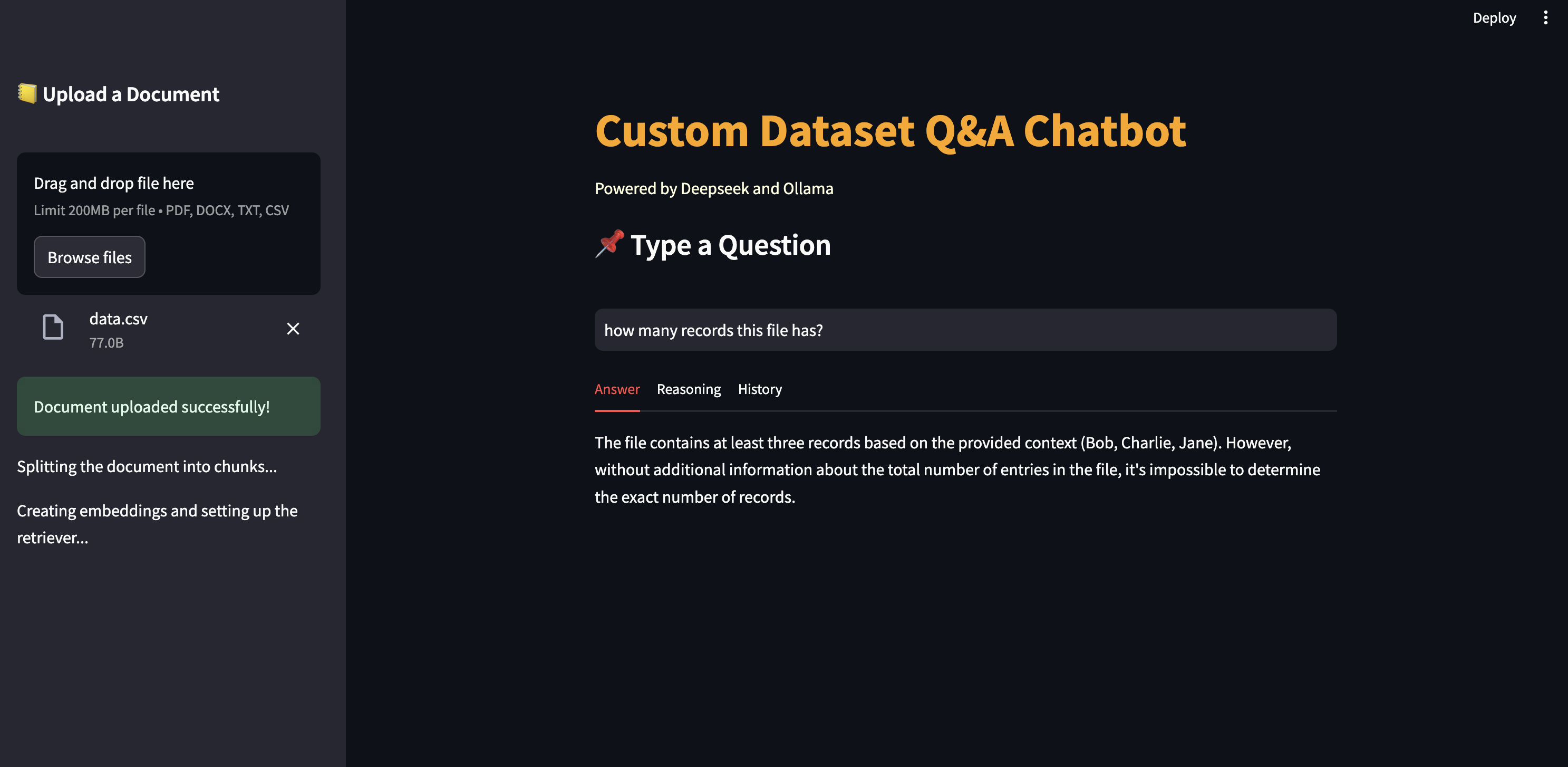
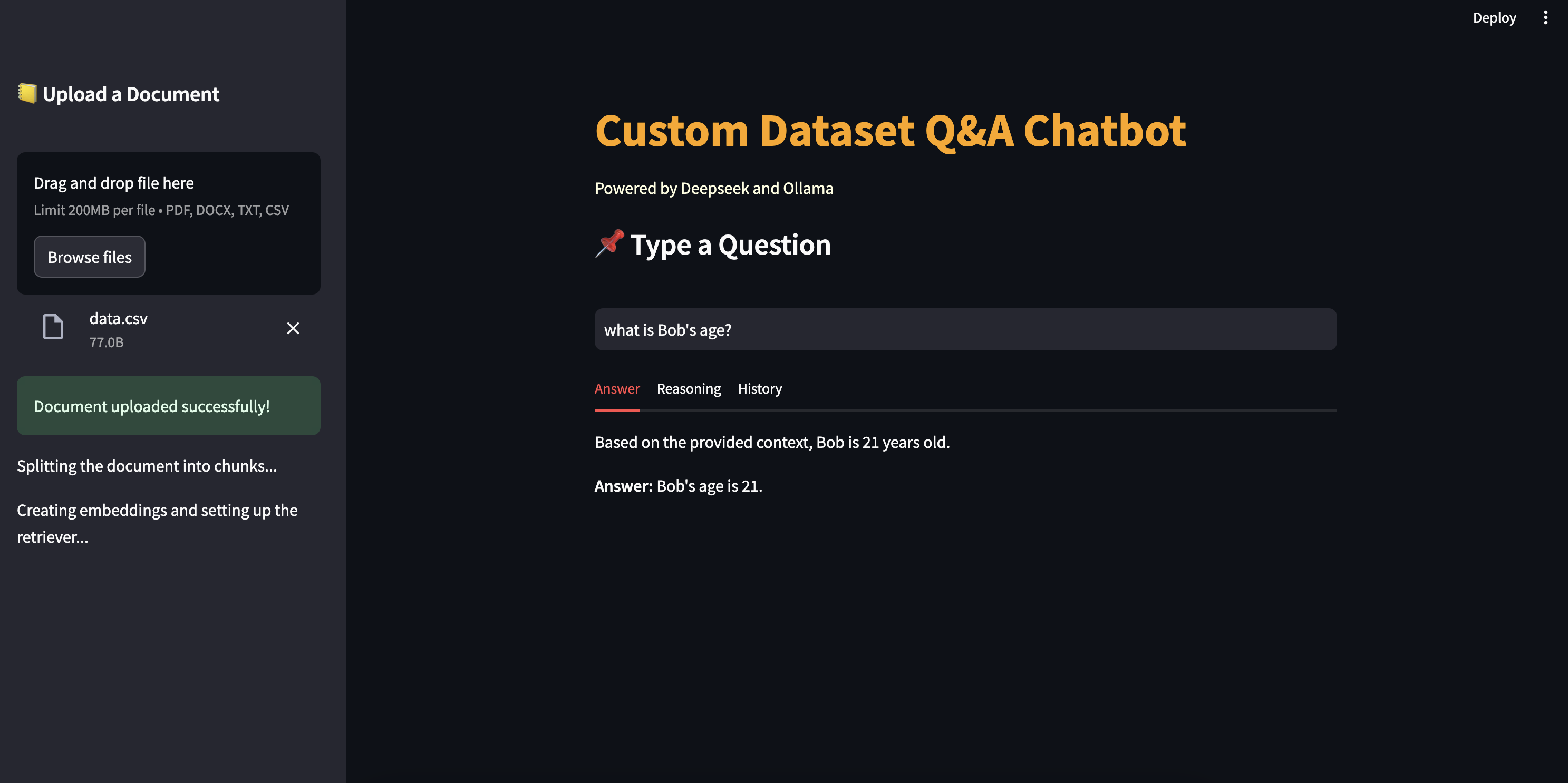
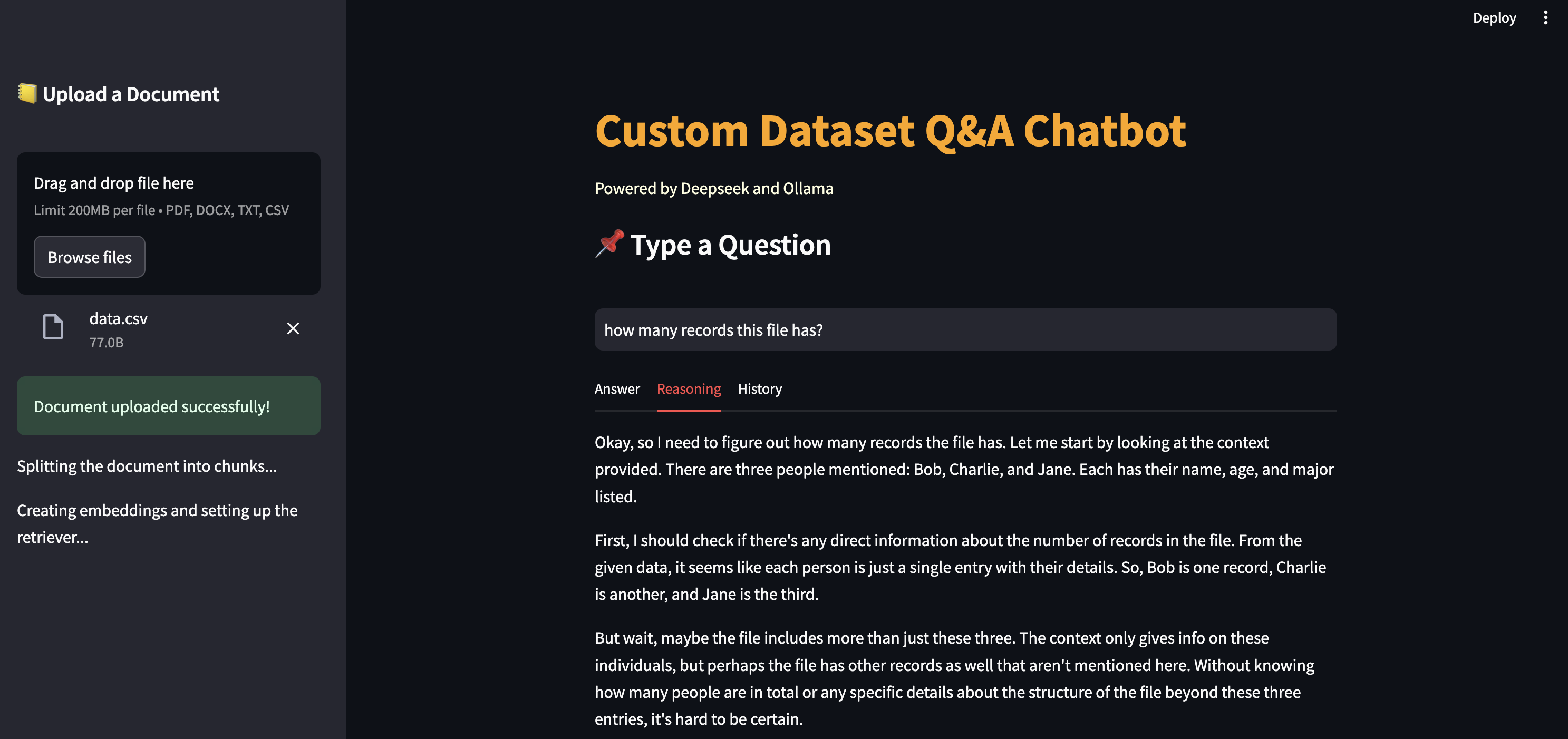
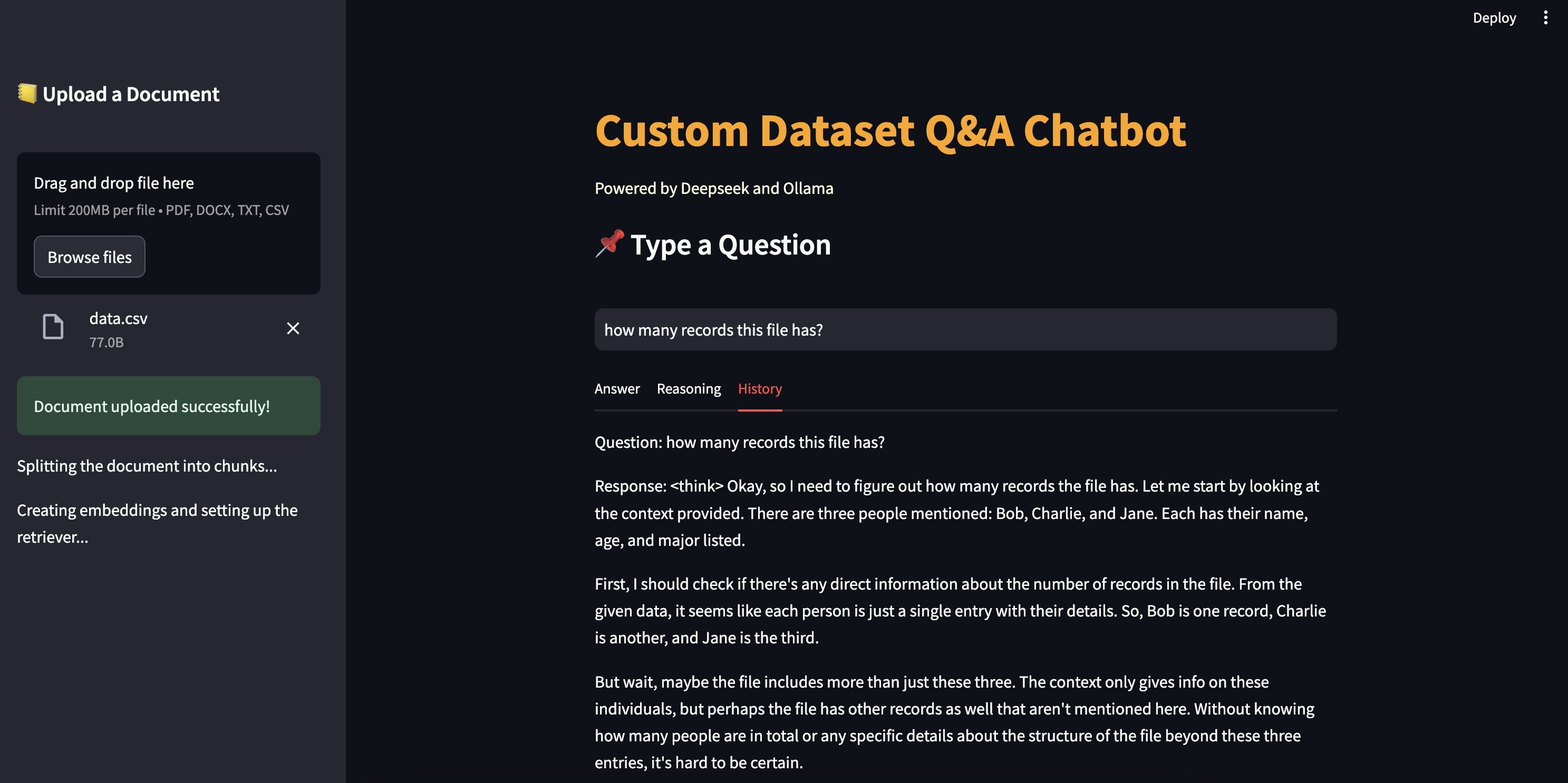
The response is displayed in three tabs: “Answer,” “Reasoning,” and “History.” Any errors during processing are caught and displayed as error messages. The app maintains a history of questions and responses in the session state.
Functionalities
- Interactive Interface: The app provides an interactive interface with file upload on sidebar and chatbot question and answer on the main page
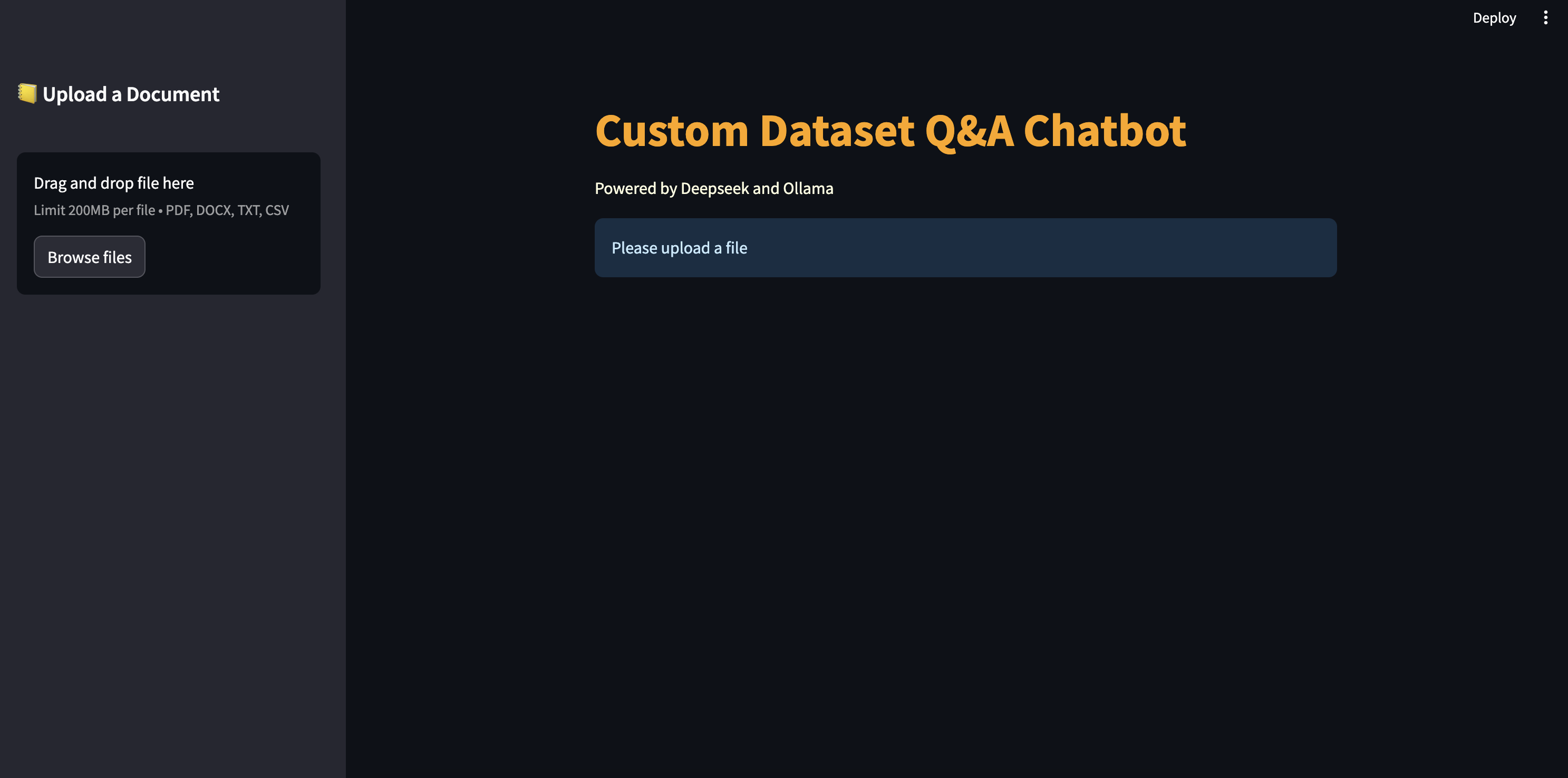
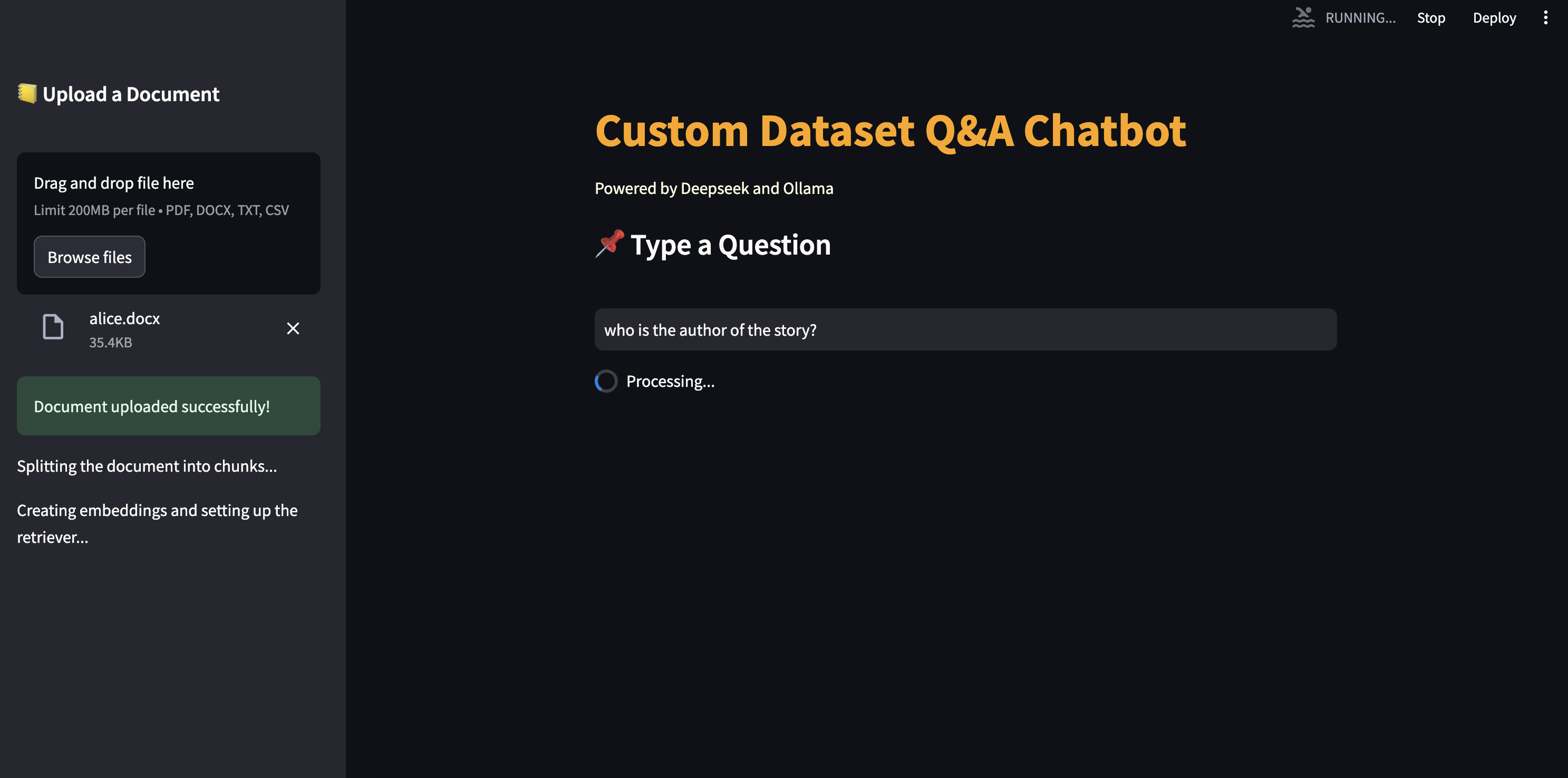
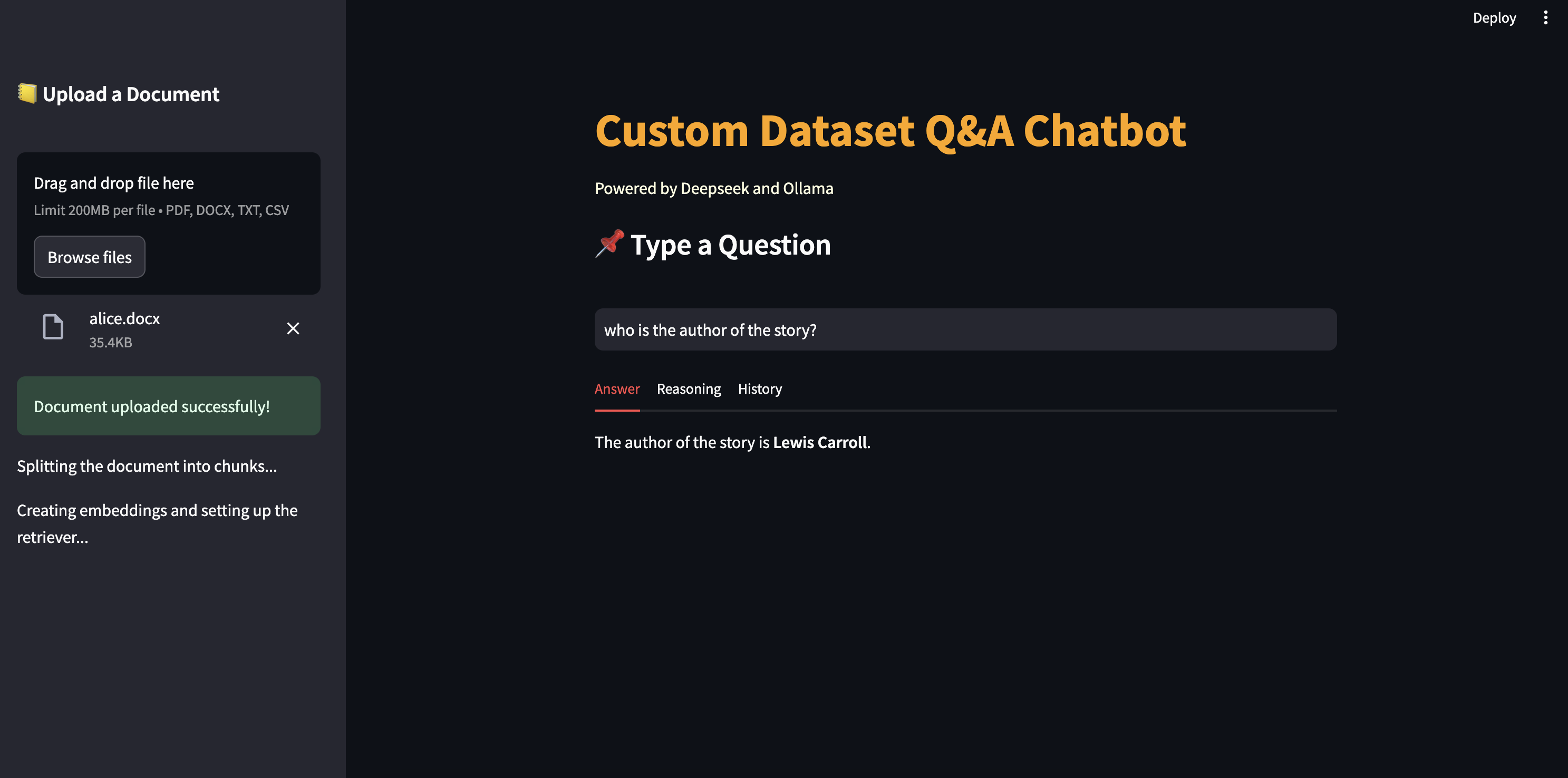
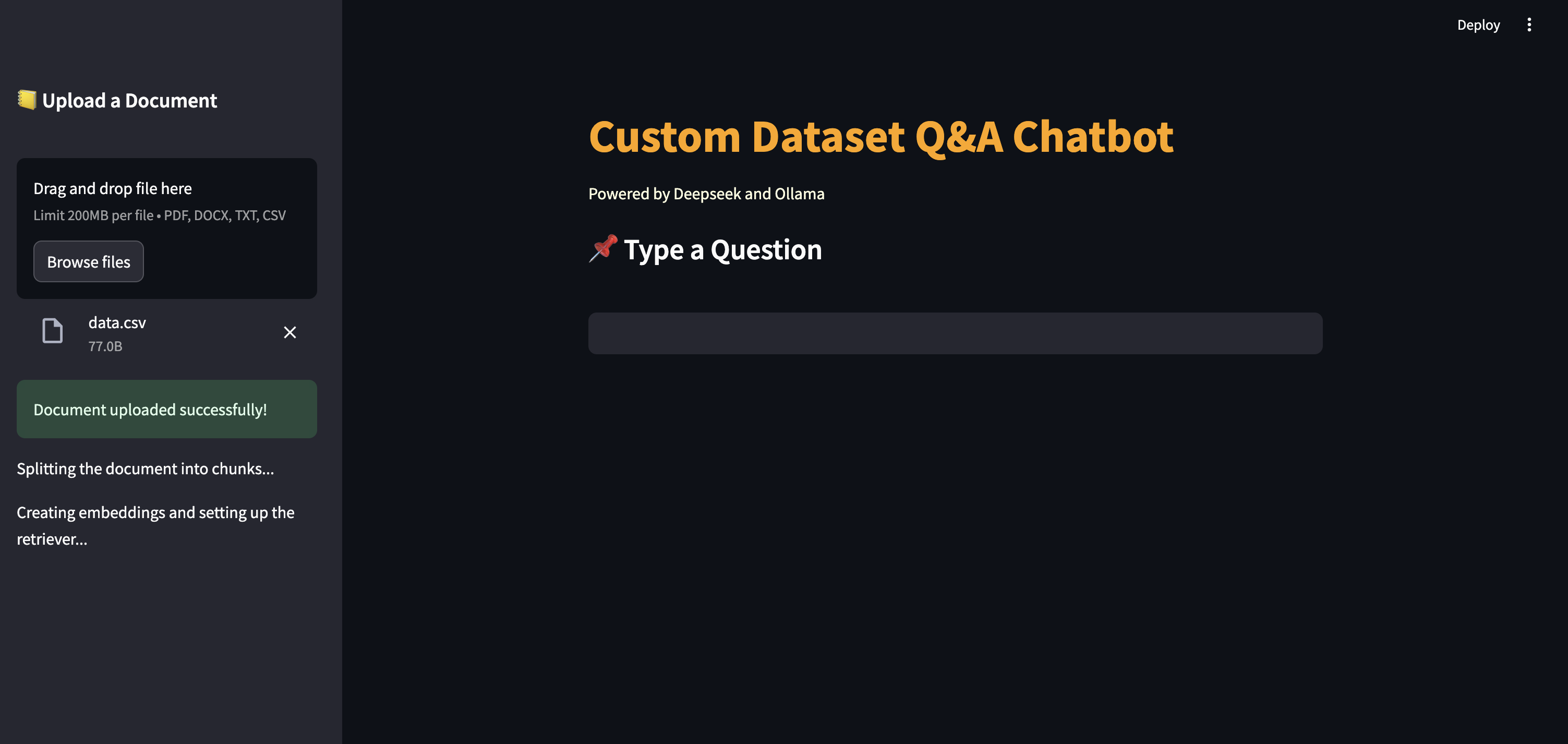
- Support multiple format: Users can ask questions related to many format docucments such as pdf, docx, txt, csv
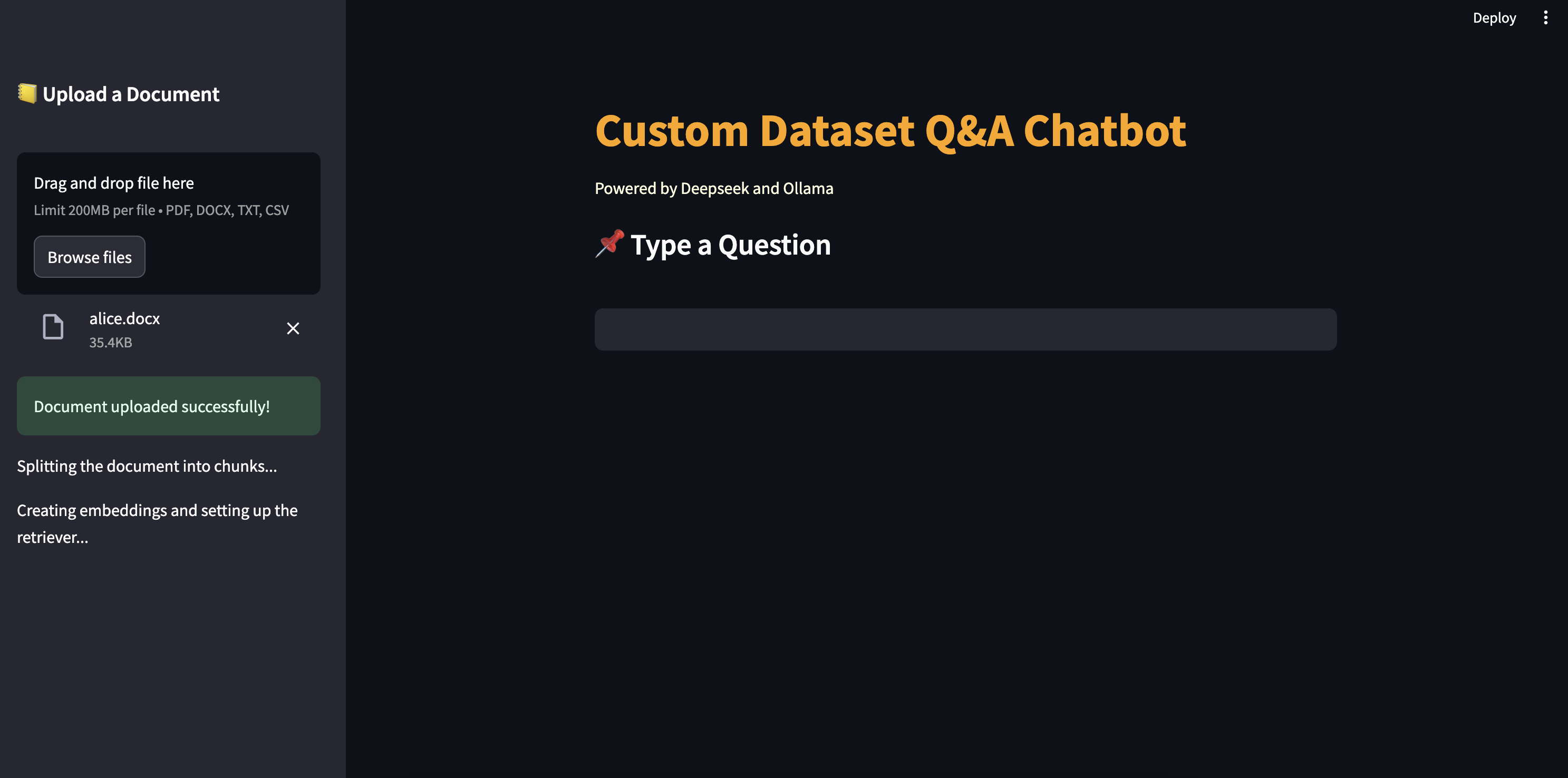
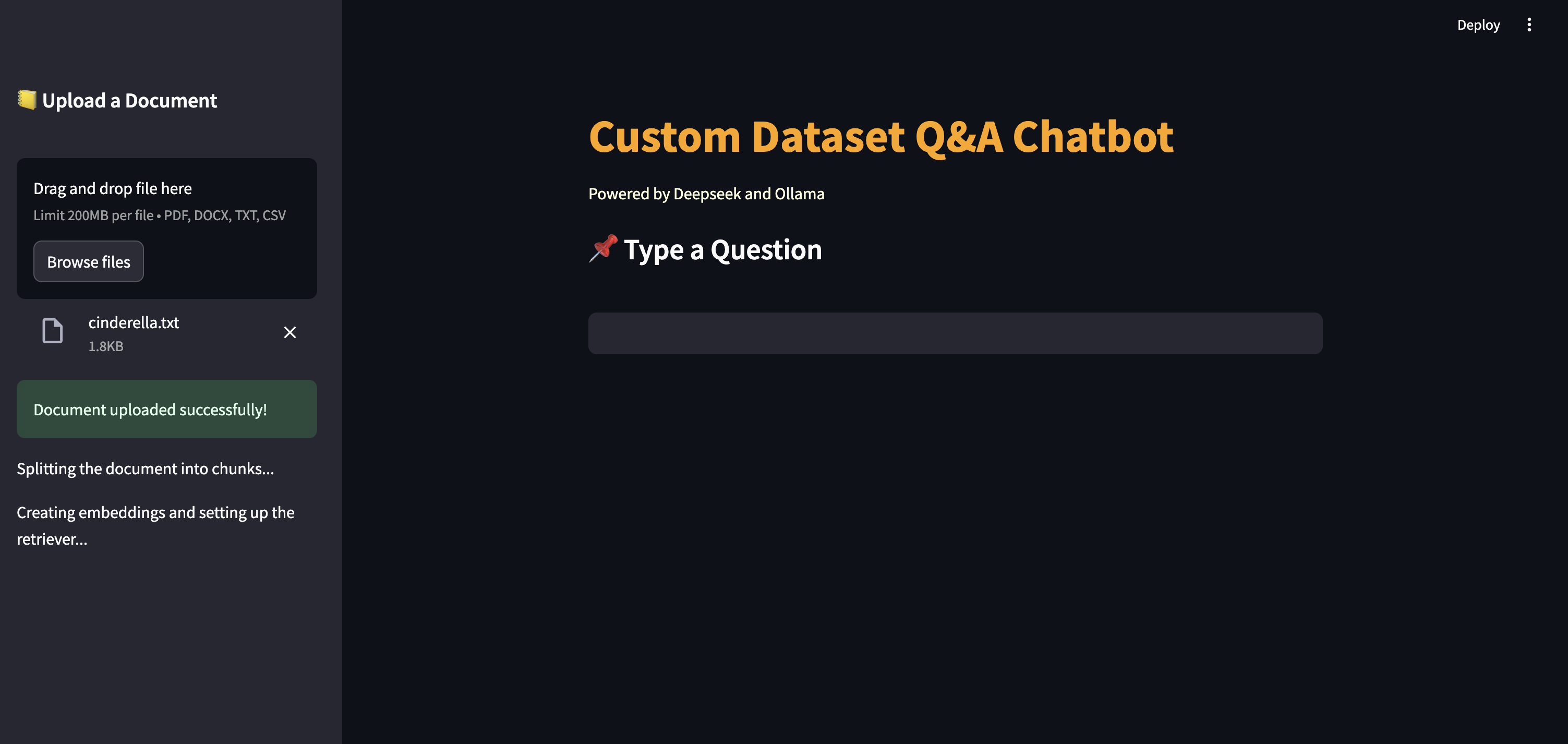
- Reasoning explanation: every answer is explained by chain of reasoning supported by Deepseek.
- Conversational History: The app maintains a history of questions and answers, allowing users to review past interactions.
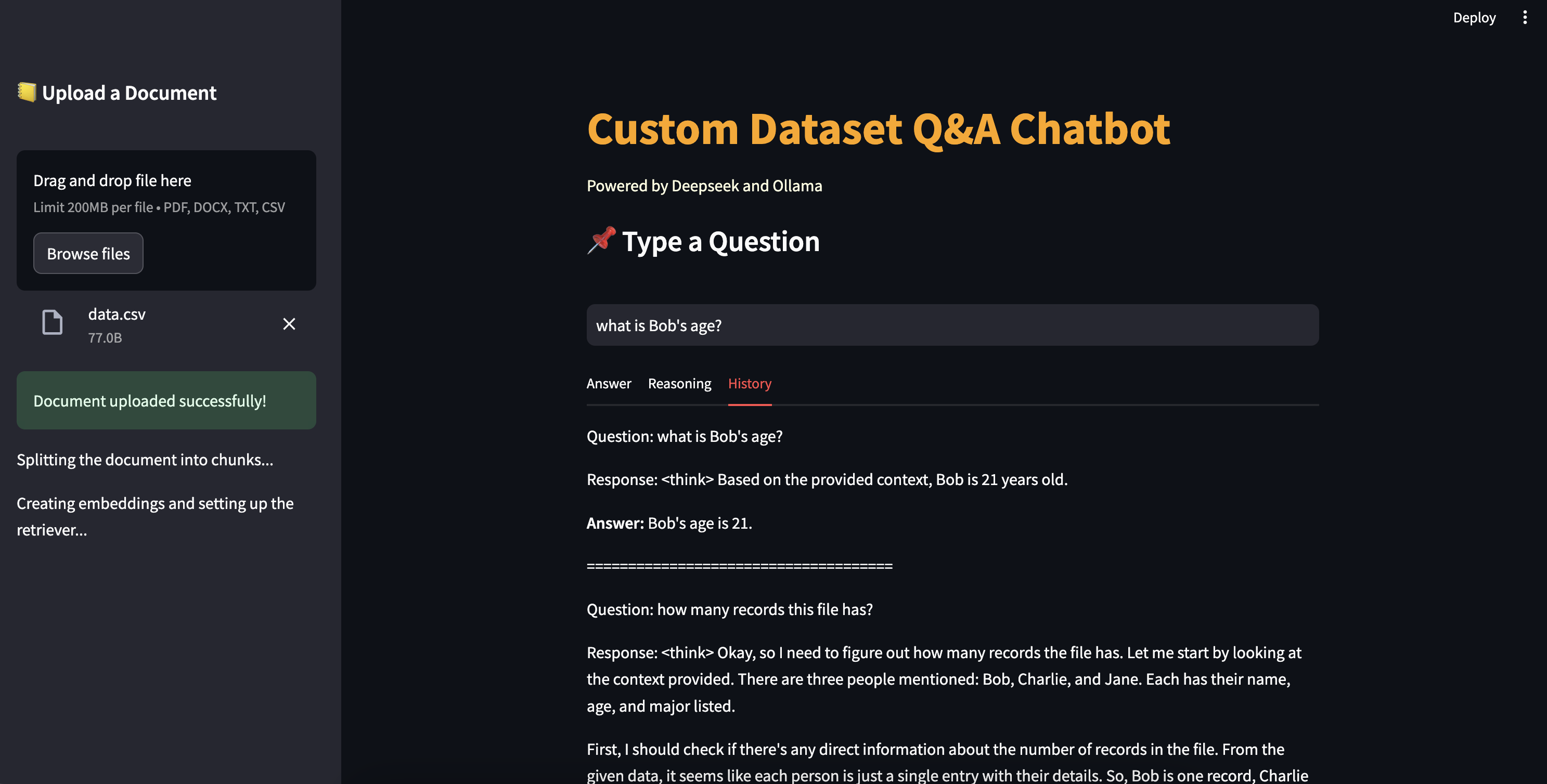
- Work with tabular data